Schedule
Schedule automatic message sends to chats from the dashbor — text and attachments.
The flow
- 1List
Upcoming / Past tabs — rows show destination, snippet, and send time.
- 2Create
New schedule → pick chat(s) → message or attachment → date & time.
- 3Detail
Open a row → bubble preview; pending: Send now or Cancel.
- 4Quota
Saving an Upcoming row does not deduct quota; −1 API send quota per bubble when it fires or on Send now — same pool as Flow and the Developer API. Details: Quota & attachments.
Schedule-only walkthrough: menu → Upcoming → New schedule → row detail → Past tab. Full guide: Schedule overview.
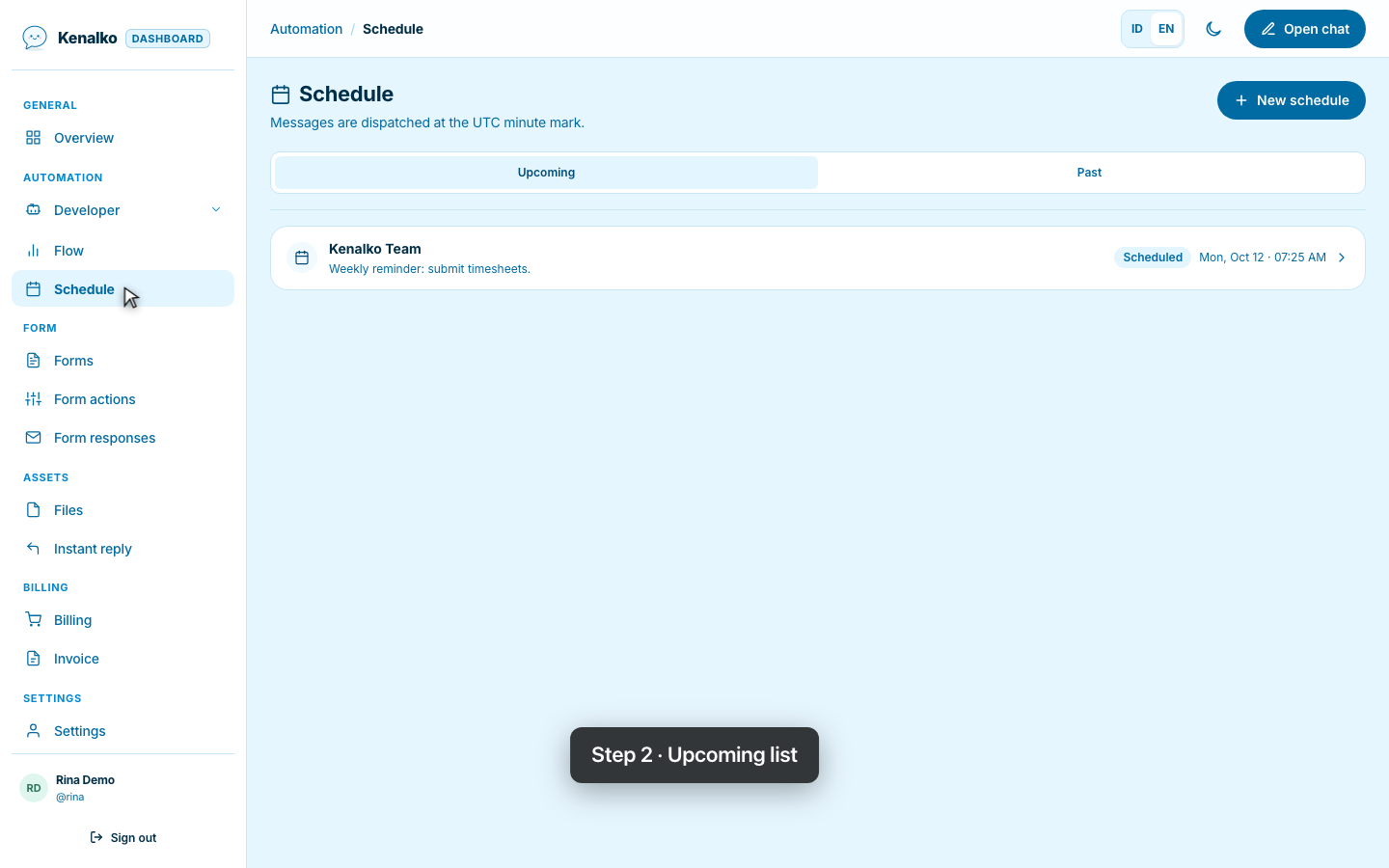
Schedule page — list and new schedule button.
Scheduled attachments use the Files meter (hold) until sent or cancelled — Quota & attachments. General retention: File limits.
Detail reference (Automation)
Start at Schedule overview, then: