Automation
Dashbor automation — Developer API, Flow, Schedule, and links to Forms.
The flow
- 1Developer
API keys, inbound webhooks, and request logs — external HTTP integration.
- 2Flow
One canvas per account: trigger → send / HTTP / wait for reply in the same chat.
- 3Takeover & Handover
Hand chats to an operator on web/mobile; Takeover node and Handover trigger.
- 4Schedule
Schedule messages (text/attachments) to personal, group, or channel chats.
- 5Forms
Chat forms + responses — sidebar Forms or full Forms journey.
- 6
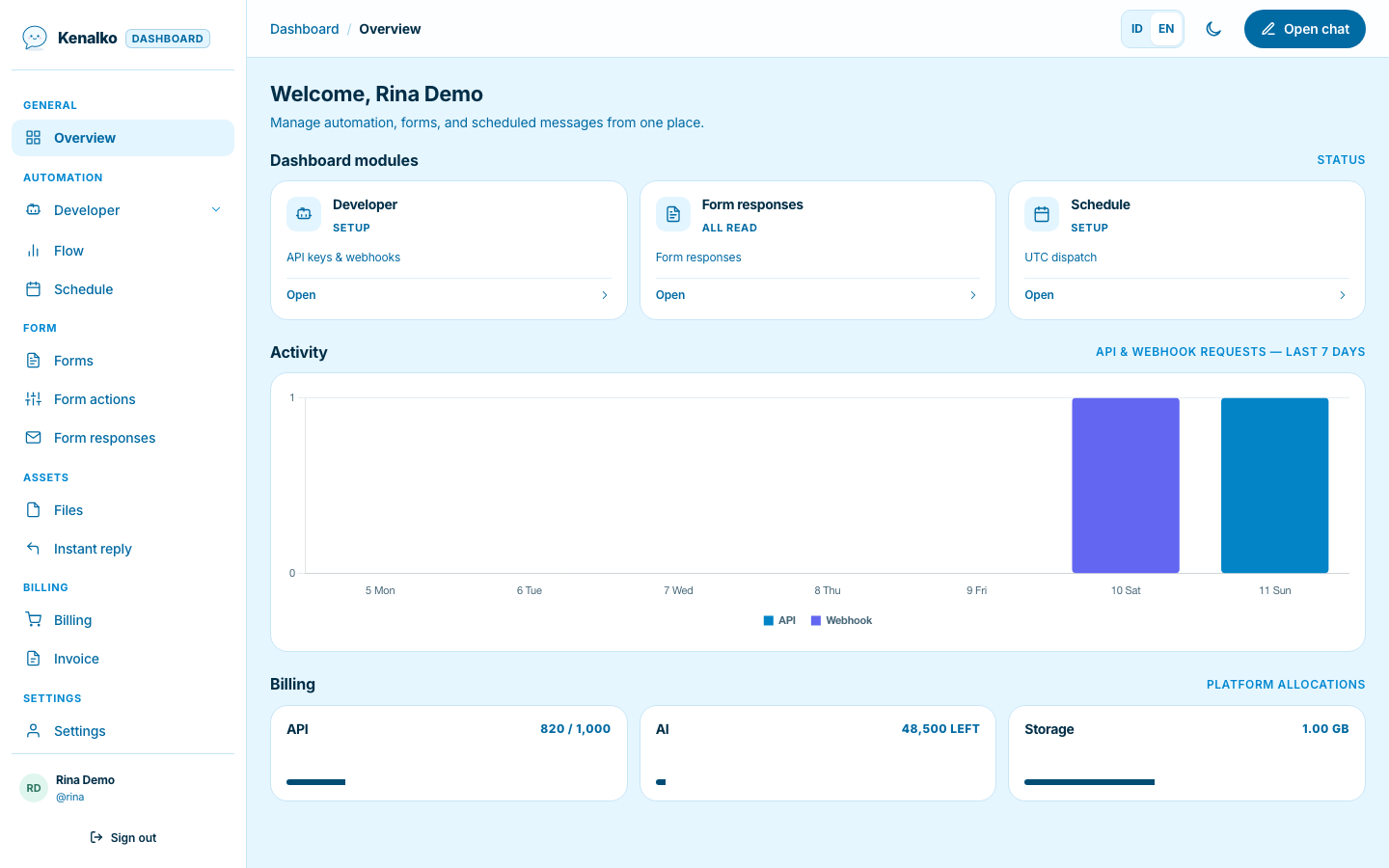
Dashbor overview — automation modules in the sidebar (Developer, Flow, Schedule, Forms).
Flow — canvas-only walkthrough (sidebar → load example → node panel → test flow). Full guide: Flow overview.
Schedule — separate walkthrough (sidebar → Upcoming → new schedule → detail → Past tab). Full guide: Schedule overview.
Forms — create on dashbor → send in chat → fill card (separate walkthrough). Sidebar: Forms overview; answers: Form responses.
API send, AI, and storage quota: Billing. HTTP reference: Developer API.