Developer API and webhooks
API keys, webhooks, request logs, and HTTP send quota on the dashbor.
Only using Flow, Schedule, or Forms in the dashbor? Start at Automation (journey) or sidebar Flow, Schedule, Form. This page is for HTTP integrators — full reference: Getting started (Developer API), webhook signatures: Check it's from Kenalko.
The flow
- 1API key
Developer → API keys → New key. Secret shown once — store safely, never in frontend code.
- 2Webhook
Developer → Webhook — URL, events per personal/group/channel, Test before save. Verify
Kenalko-Signature= lowercase hex HMAC (64 chars, nosha256=prefix) — see Check it's from Kenalko. - 3Logs
Developer → Logs — API, webhook, Flow, AI; retry failed webhooks when still active.
- 4Rules
Send only to connections/rooms the account can access; form card answers live under Form responses (not the Developer menu).
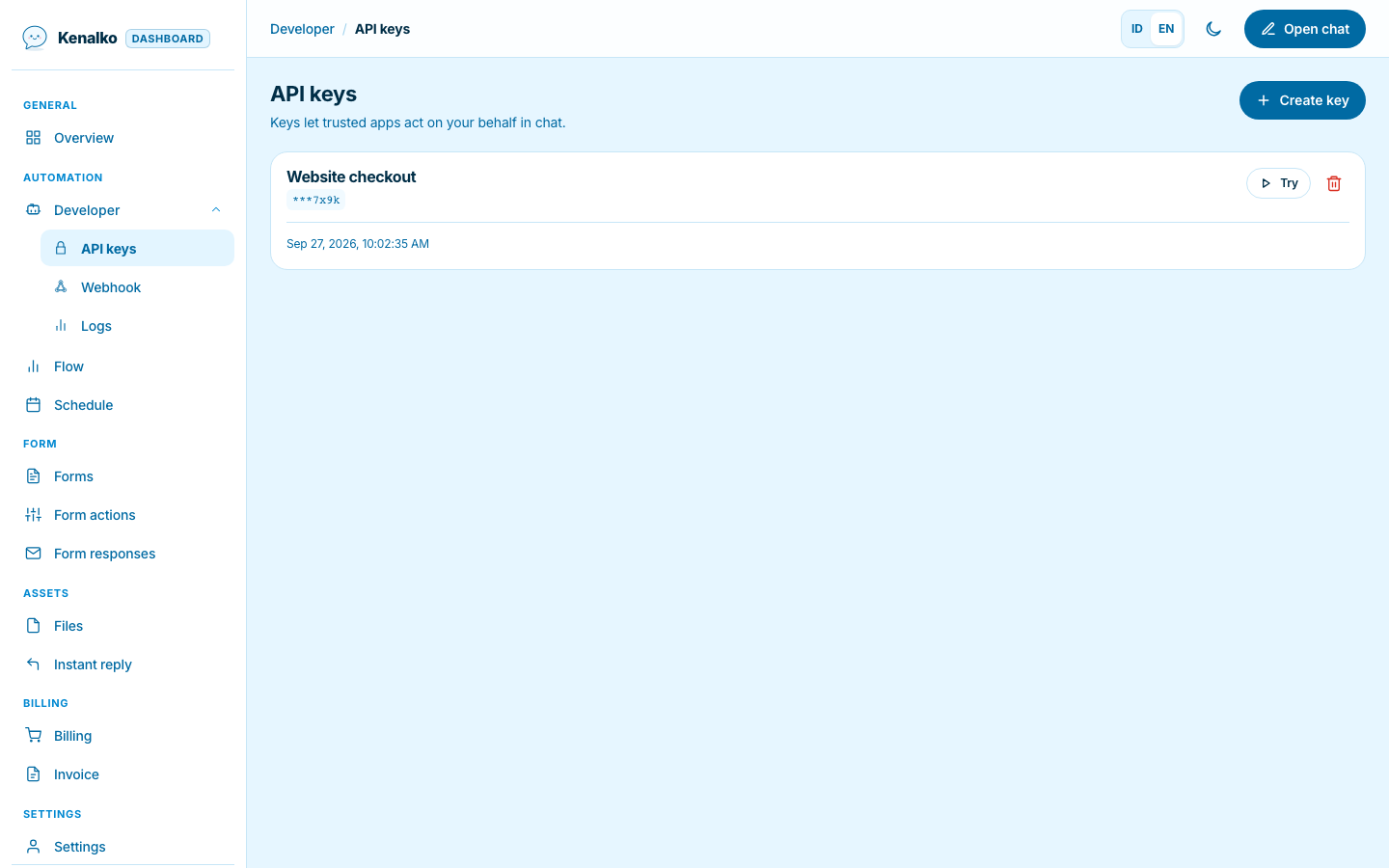
API keys — create, revoke, or open the docs playground from a key card.
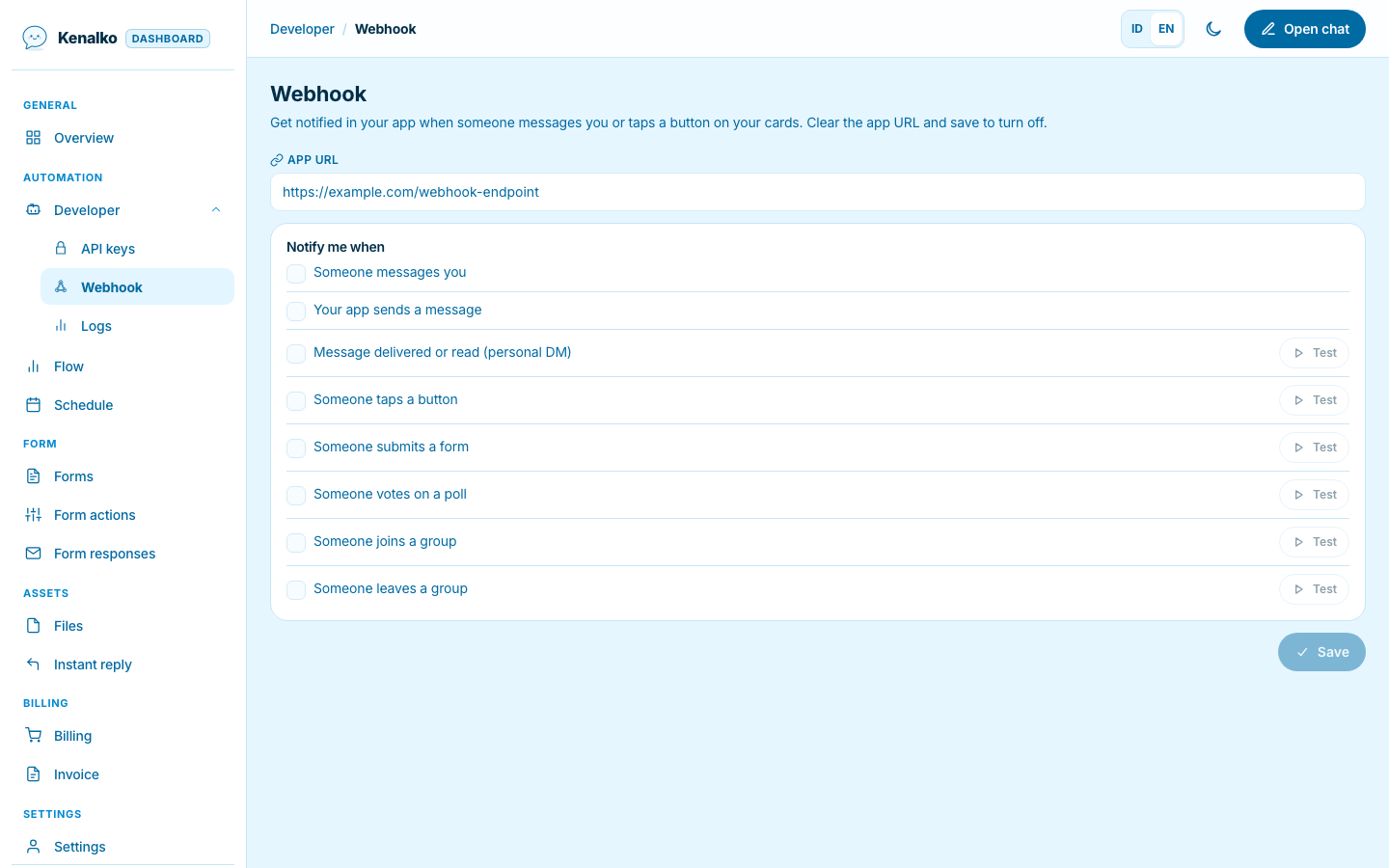
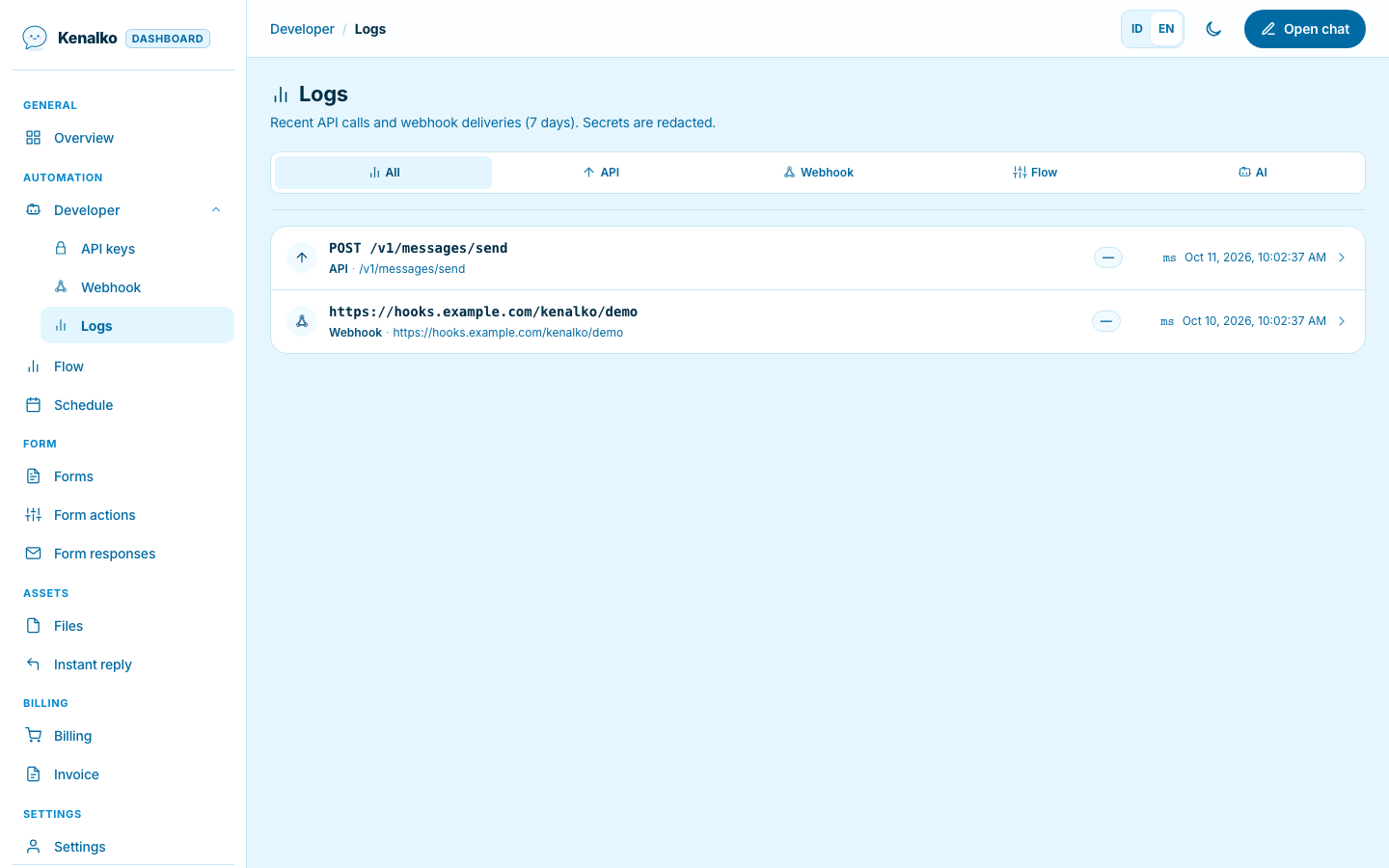
Left: webhook. Right: logs — filter API, webhook, Flow, or AI.