Access
Choose the right place to create your account, chat, manage files, and configure automation.
Kenalko has three places. The dashboard is for your account and automation. Mobile is for chat on your phone. Web is for chat in a browser.
Three places
Open dash.kenalko.com to sign in and choose an @username. Optional MFA (PIN) can be turned on under Security. API keys, webhooks, form responses, schedules, files, instant replies, and billing live here too.
The phone app is for personal, group, and channel chat, plus Contacts, invitations, and notifications. Android: download from Google Play (button on kenalko.com or the Play Store listing). Create the account on the dashboard first.
Open web.kenalko.com for the same chat in a browser. A guest can join through an Anyone invitation, without a registered account.
Dashboard
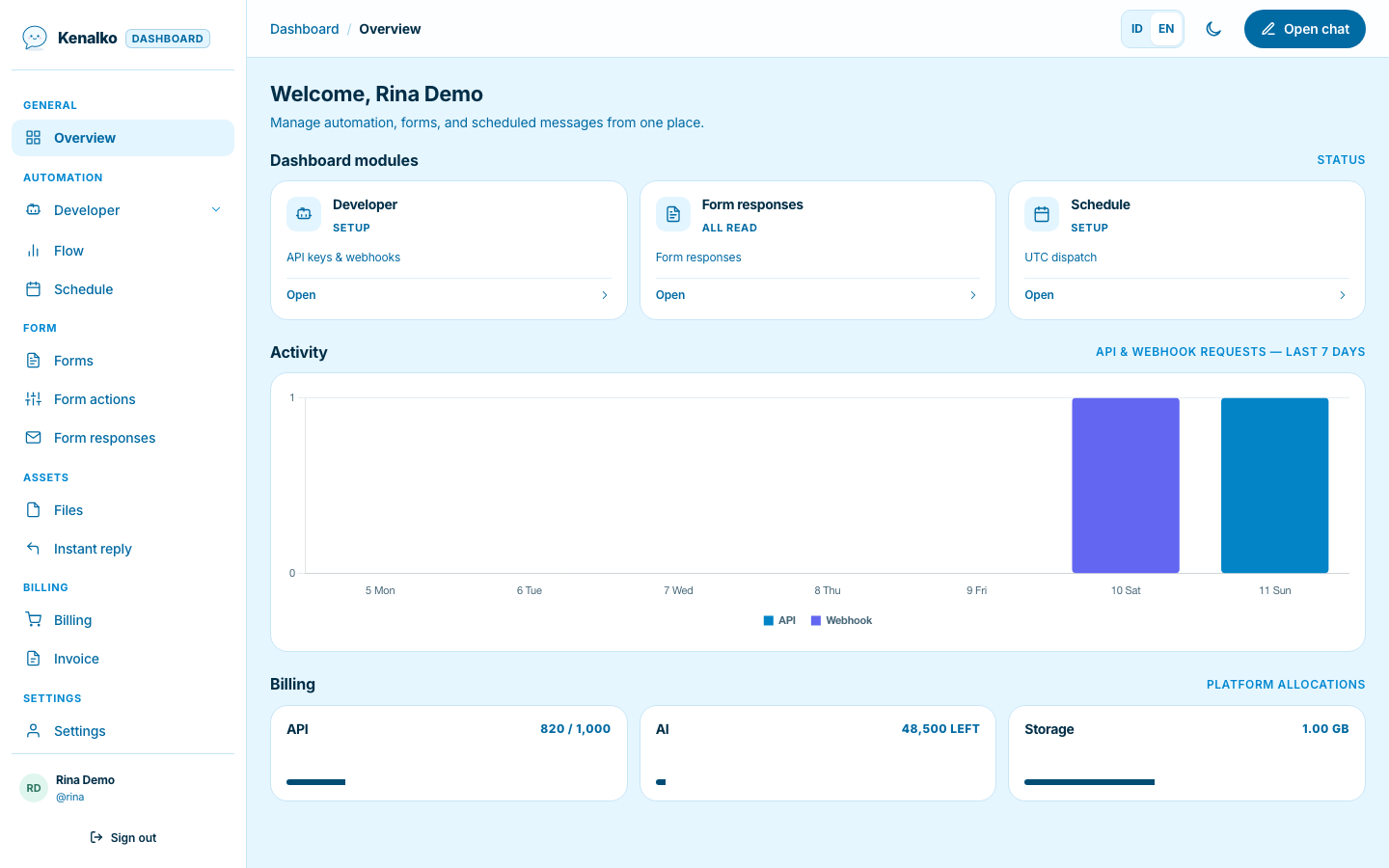
This is where you manage the account and automation. Open chat opens chat on the web. It is the same account, but the sign-in session is separate, so you may need to sign in again.
Automation sidebar guides: Flow · Schedule · Forms. Quota or send issues: Help Center.
Mobile
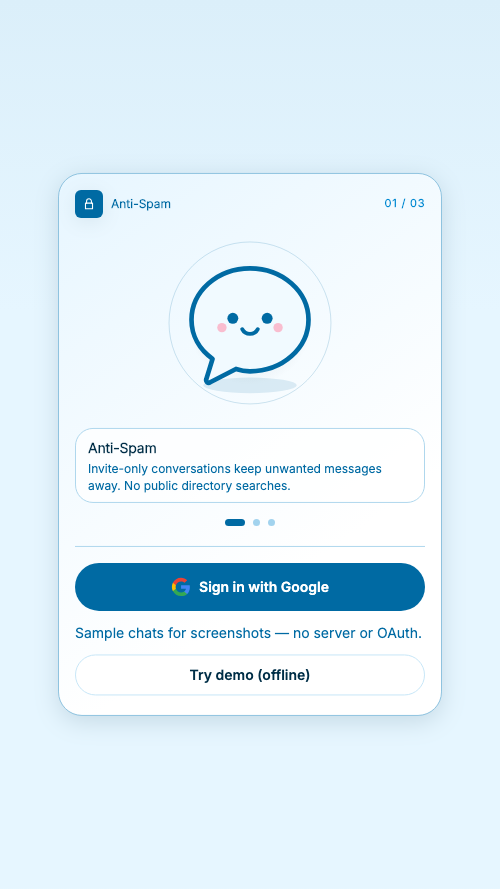
Chat on your phone uses the same account as the web app. Push notifications are mobile-only — not on web chat.
Web
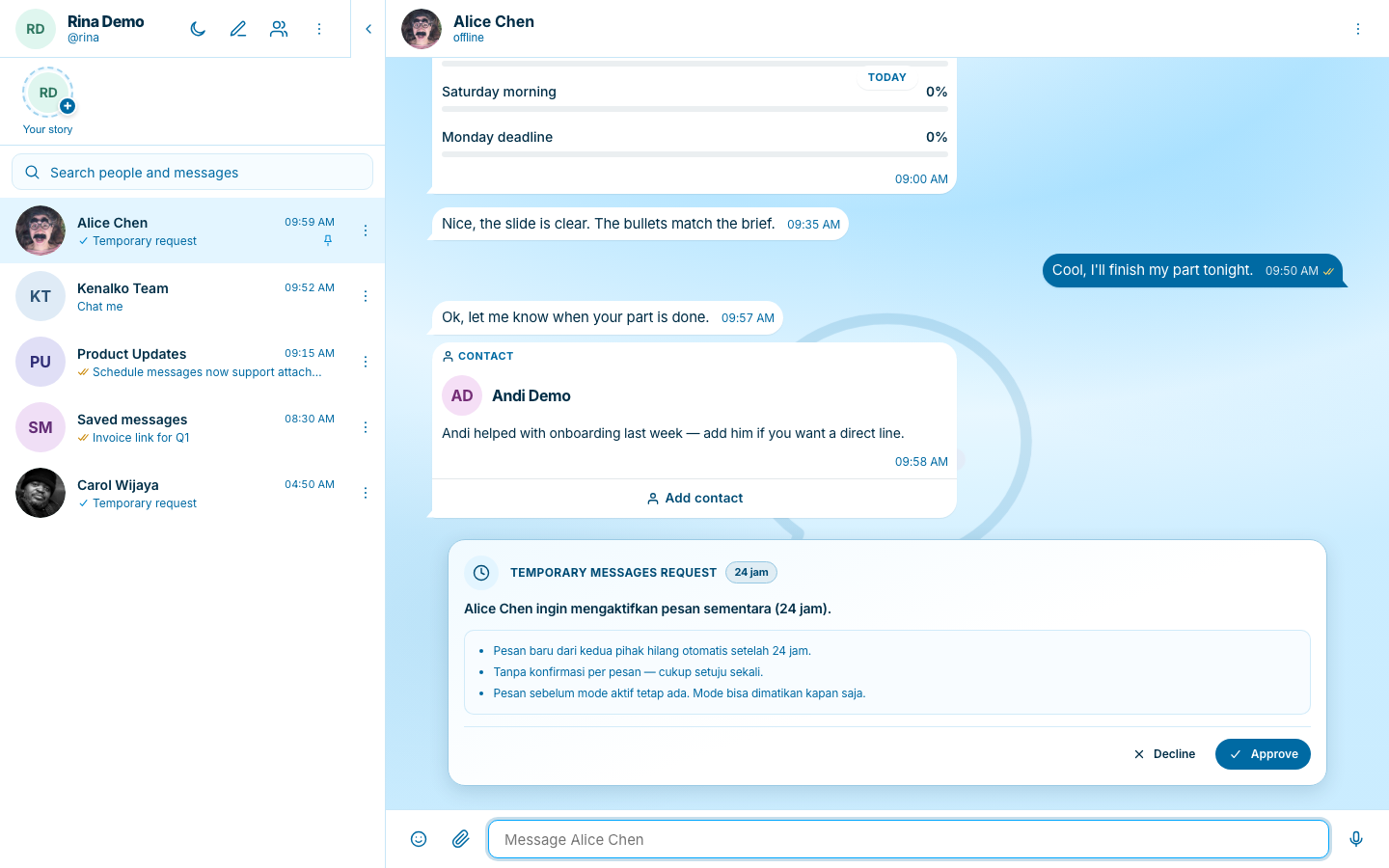
Chat in the browser uses the same account data as the phone app. If Kenalko is open in two tabs of the same browser, only one tab is the active screen.