Form responses
Screen reference — /forms/responses (dashboard).
2 min read
Form responses (/forms/responses) — submission inbox; form & @username filters; unread badge.
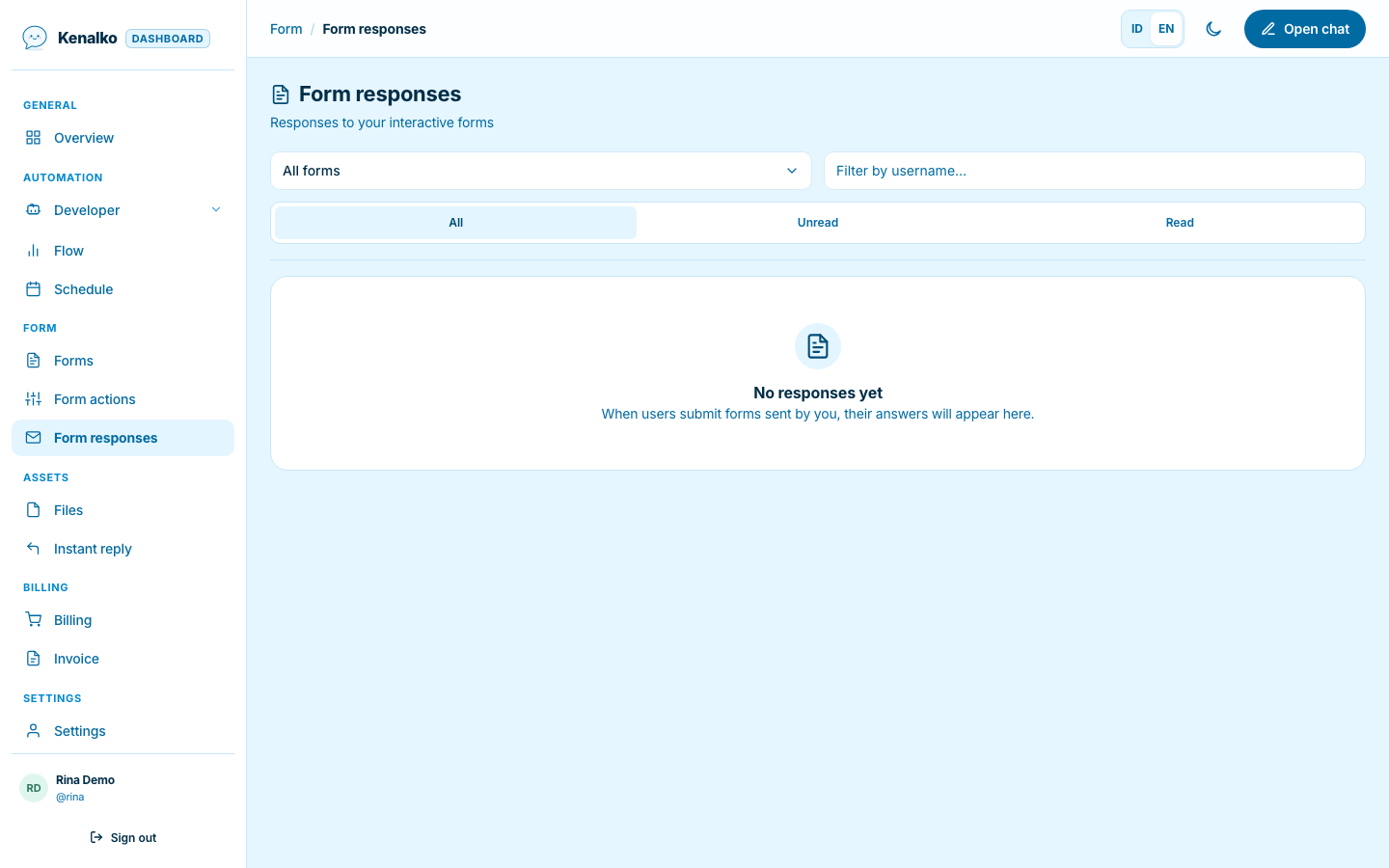
Route /forms/responses — demo screenshot (product UI).
About this screen
Form responses is the operational inbox — each row is one form card submission in chat (personal/group).
Unread badges on Overview/Forms headers sync with the Unread chip count.
Opening detail usually marks the submission read — use Unread filter for your work queue.
Steps
- Sidebar Forms → Form responses.
- Filter by form or type submitter @username.
- Unread chip for new queue.
- Tap a row → read answers in the overlay (or delete the response to free 1 capacity slot).
- Load more for older submissions.
Screen areas
Nav
- Forms → Form responses
- Unread badge in header when > 0
- Active submission capacity badge (
used/capacity, e.g.0/1000) in header actions →/billing/forms
Toolbar
- Form select (all / one form)
- @username search
- All / Unread / Read chips
List
- Row: form name, @submitter, date
- Unread badge + dot or Read
- Tap → answer detail overlay (+ mark read)
Pagination
- Load more
Index: Pages overview.