Form actions
Screen reference — /forms/settings (dashboard).
2 min read
Form actions (/forms/settings) — per-form plugins: Sequence, Timing, Max, HTTP + Save.
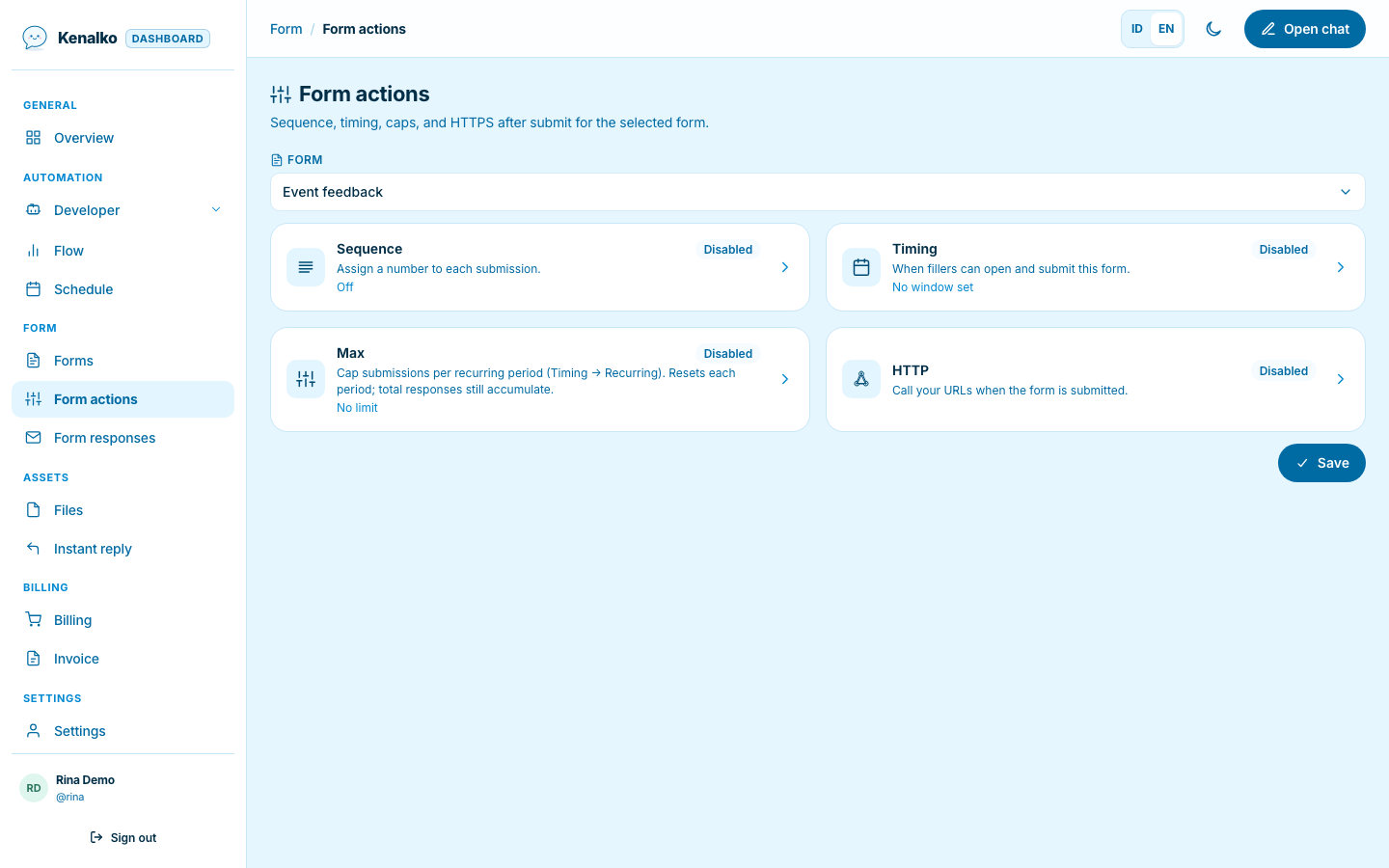
Route /forms/settings — demo screenshot (product UI).
About this screen
Form actions edit saved form settings — automation after someone submits the card in chat.
Four plugins: Sequence (chained replies), Timing (time window or recurring), Max (submission cap), HTTP (call your endpoint).
Each plugin has its own overlay; bottom Save writes all changes to the selected form.
Steps
- Open Forms → Form actions, pick a form in the dropdown.
- Tap the plugin card to change.
- Configure in the overlay → save overlay or return to the grid.
- Tap global Save if anything is still unstored.
- Test by sending the form in chat, then check Form responses / HTTP logs.
Screen areas
Nav
- Forms → Form actions
Pick form
- Saved form dropdown
Plugin grid (4 cards)
- Sequence — Enabled/Disabled badge + meta
- Timing — schedule window or recurring (day/week/month/year)
- Max — submission cap
- HTTP — webhook after submit
Overlays
- Tap card → Sequence / Timing / Max / HTTP editor
- Save in overlay or global Save
Index: Pages overview.