Create & send in chat
New form on the dashbor, then Attach → Form in the chat composer.
Build the form on the dashbor (Forms → New form). Send the card from the chat composer — frozen questions match the version at send time, not later edits. For supported fields, you can also set a Default value from a fixed value, another form, or the Files library.
Step by step
- 1Create on dashbor
Forms → New form. Unique name per account. Edit fields (Required, Editable, write bubble — post-submit rules in Form actions).
- 2Send in chat
Composer → Attach → Form (Send form sheet) → pick a form. A new card appears in the thread.
- 3Fill & submit
Tap Fill form, complete fields, then Send. Card shows success; answers may appear as Q: / A: bubbles when write is on (default).
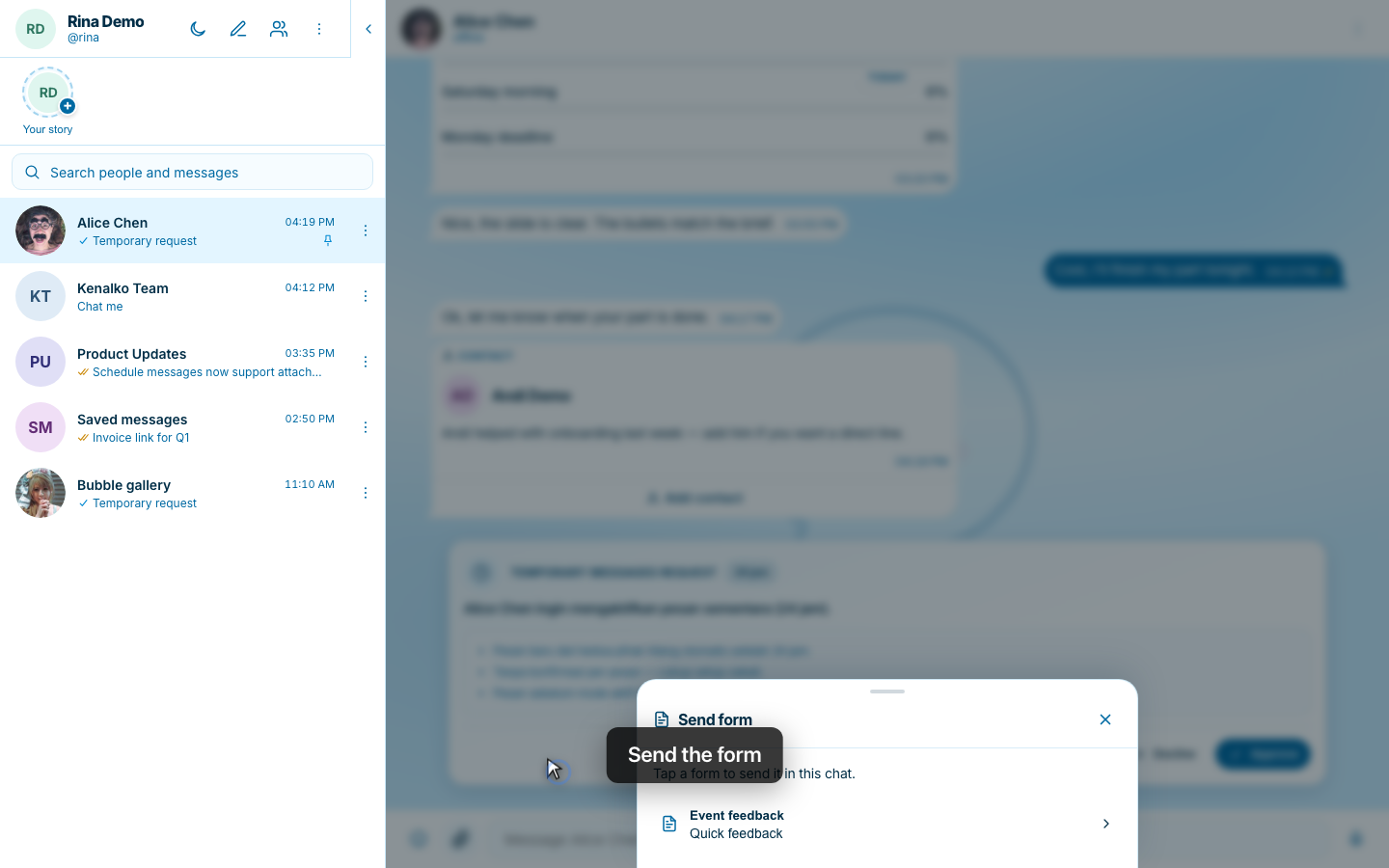
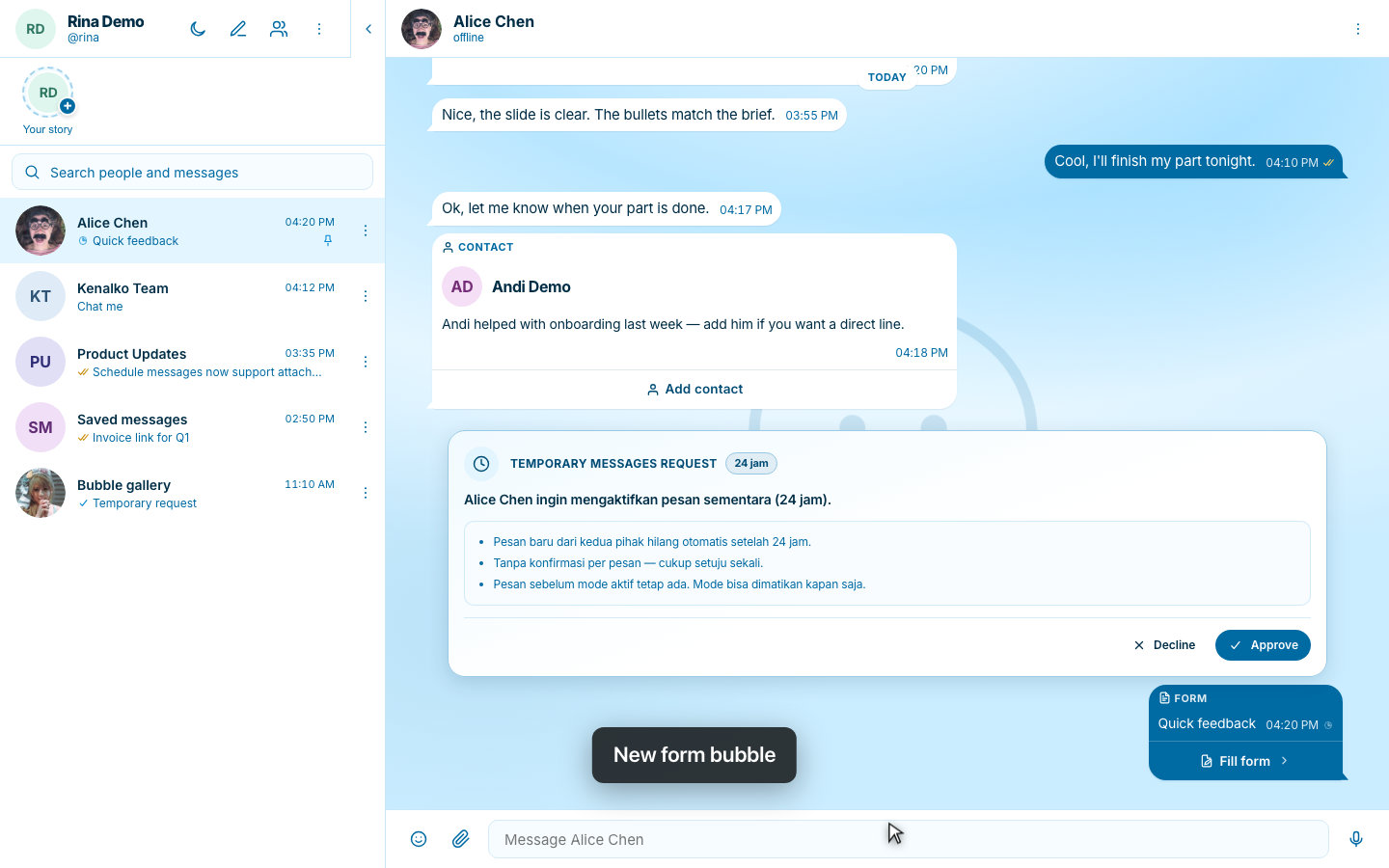
Attach → Form → choose form. Sheet closes; card shows questions frozen at send time.
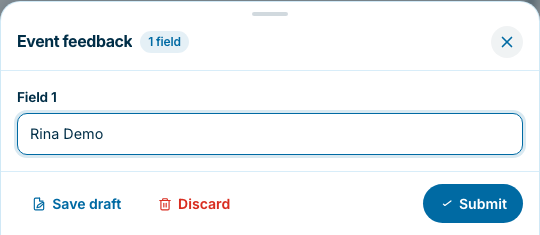
Fill form opens from the thread. After Send, read answers under Form responses.
Only registered accounts create/send forms. Guests fill cards they receive. Button/list cards → Flow → Send step.