Security
Screen reference — /settings/security (web).
1 min read
Security panel (/settings/security) — Linked accounts (one OAuth list, link and unlink), then the MFA section (PIN).
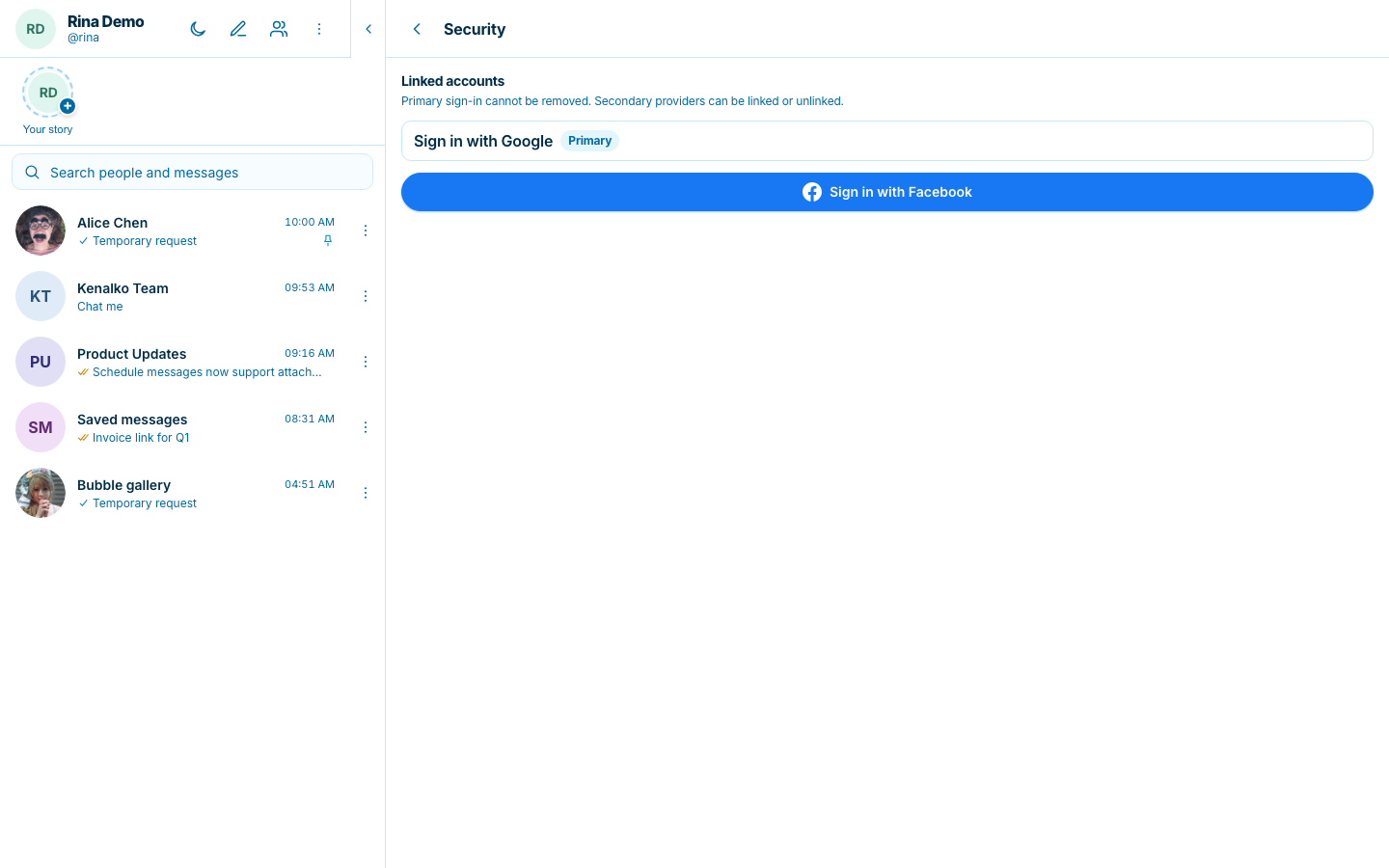
Route /settings/security — demo screenshot (product UI).
About this screen
/settings/security — manage Linked accounts (primary, secondary, link and unlink). The MFA section is a PIN once a secondary account is linked. That account is what you use if you forget the PIN.
MFA PIN is set in the MFA section of this panel. Sign-in PIN verification happens in PinGate only when MFA is on.
Linked devices and permanent account deletion live in dashboard Settings, not this chat panel.
Steps
- Settings → Security.
- Review providers; link missing ones.
- Unlink secondary providers only when another login path remains.
Screen areas
Nav
- Settings → Security
Header
- Back →
/settings
OAuth
- Provider list + primary
- Unlink non-primary → confirm
- Compact
OAuthSignInPanel
Index: Pages overview.