Account security
Screen reference — /account/security (dashboard).
1 min read
Security (/account/security) — Linked accounts, the MFA section (PIN), and a card to delete the account.
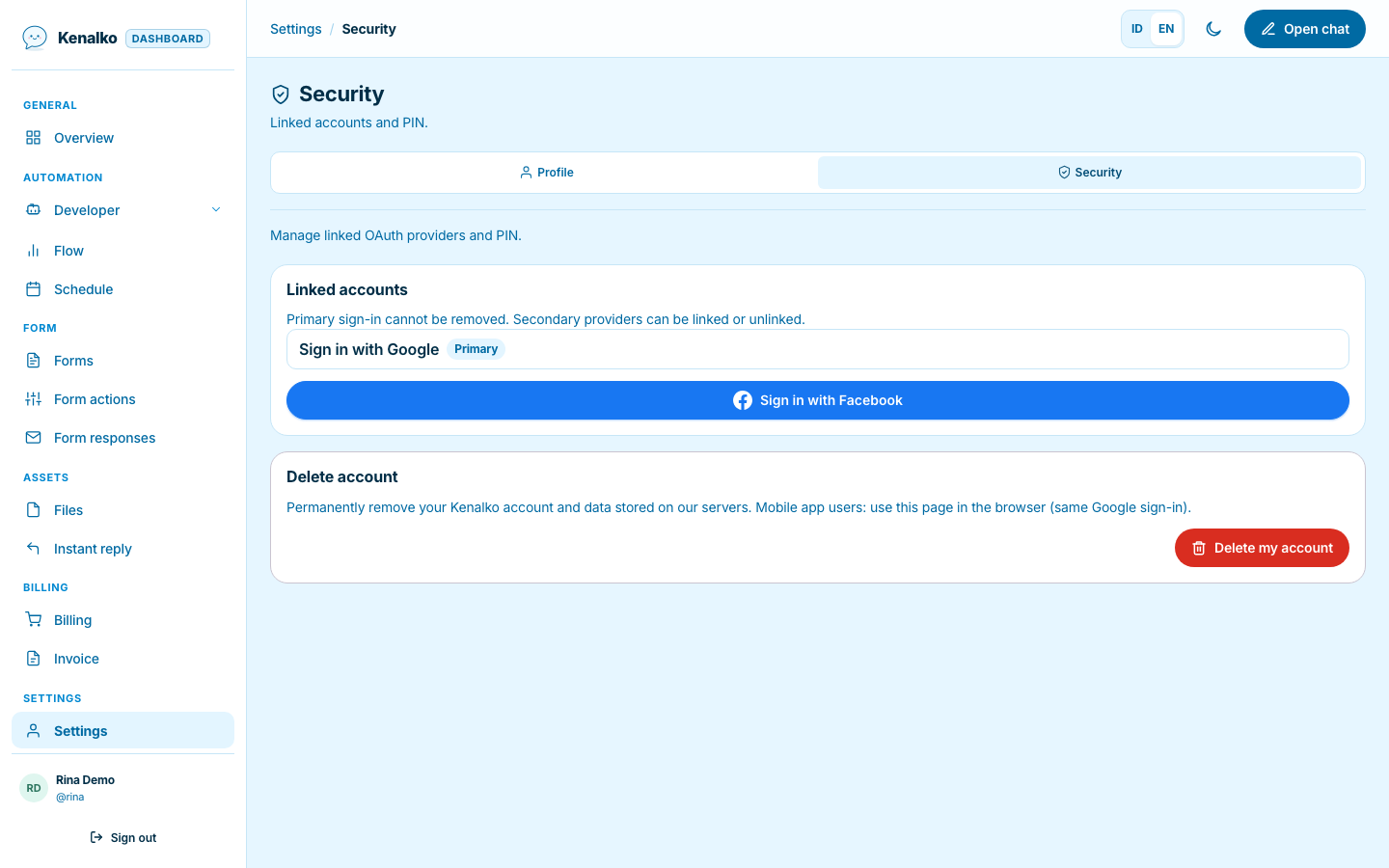
Route /account/security — demo screenshot (product UI).
About this screen
Dashboard Security uses the same order as web and mobile: Linked accounts (providers, which is primary or Secondary, linking and unlinking), then MFA (PIN).
Non-primary providers can be unlinked after confirmation — keep a login path (primary or another provider).
MFA (PIN) is at the bottom of this page; secondary accounts for MFA come from Linked accounts.
Steps
- Settings → Security tab.
- Review providers; link missing ones via the compact OAuth panel.
- Optional: unlink secondary (non-primary) providers.
- Delete account → button on the bottom card →
/account/delete.
Note:
- Primary provider cannot be unlinked from the UI — change primary elsewhere if the product allows.
Screen areas
Header
- Security tab active (account layout)
OAuth
- Provider list + primary badge
- Unlink (non-primary) → confirm
- Compact
OAuthSignInPanel— link another provider
Delete account
- Teaser + Delete account →
/account/delete
Index: Pages overview.