Delete account
Screen reference — /account/delete (dashboard).
1 min read
Delete account (/account/delete) — data scope, type DELETE, final confirm dialog.
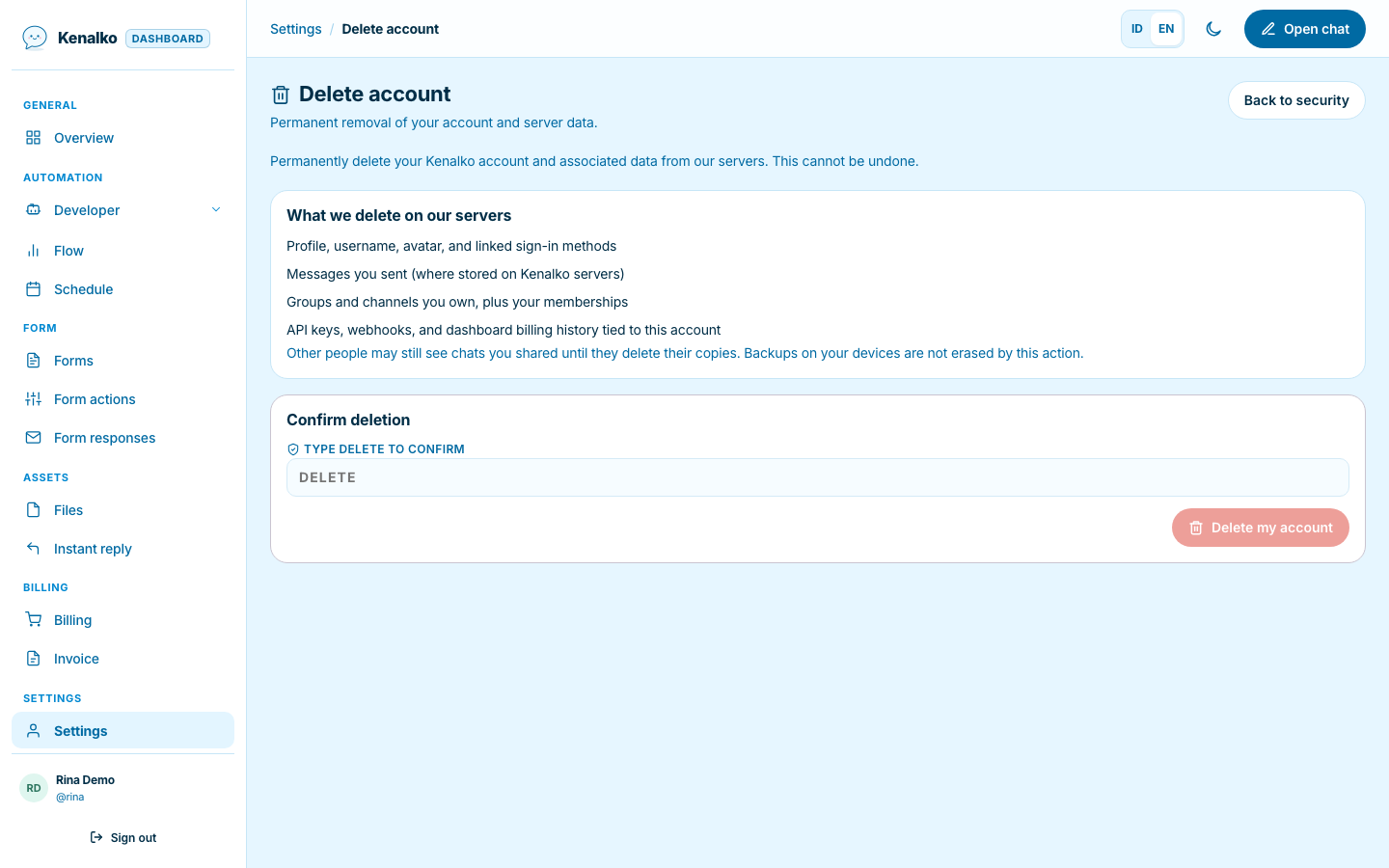
Route /account/delete — demo screenshot (product UI).
About this screen
This page starts permanent deletion of your Kenalko account — chat, dashboard, billing, and related data per policy.
You must type DELETE exactly (case-sensitive) before the destructive button enables.
A second dialog confirms; success → session ends and redirect to Login.
Steps
- Settings → Security → Delete account (or
/account/delete). - Read what will be removed.
- Type
DELETE→ Delete account → confirm in the overlay.
Note:
- To pause usage, **Log out** instead — do not delete the account.
Screen areas
Header
- Delete account title
- Back to Security (no tab chips)
Intro
- Policy lead paragraph
Data removed
- Bullets: profile, messages, rooms, billing
- Grace / irreversible hint
Confirmation
- Input must match
DELETEexactly - Destructive button → second confirm overlay
- Success → session ends →
/login
Index: Pages overview.