Settings
Manage language, profile, security, account, linked devices, and local storage.
Settings controls your experience and local data on this device. Automation and billing live on the dashboard, not in chat Settings.
Open Settings
- 1Menu
Main menu → Settings.
- 2Profile
Name & email — display name and OAuth email contacts see.
- 3Security
Linked sign-in providers (e.g. Google). Account PIN is set during dashboard onboarding.
- 4Accounts on this device
Up to two registered accounts; tap a row to switch without a full sign-out.
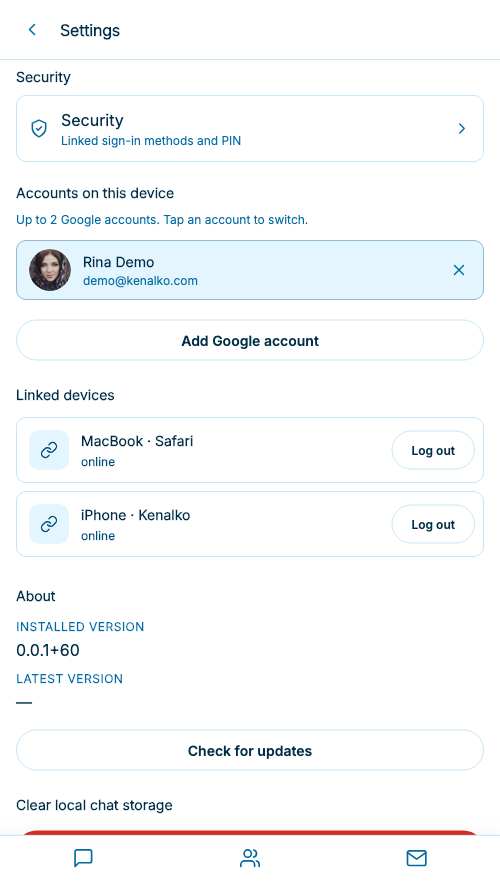
Settings in chat web. New accounts, @username, and the first PIN are created on the Kenalko **dashboard** — not on this screen.
Step-by-step walkthrough: voice narration and music, on-screen captions, cursor on each click. Flow: Settings → Name & email → Security → switch to the second account (Andi Demo).
Language and appearance
Open Settings → Language to choose an available language. When available, use appearance settings for a light or dark theme.
Name and email
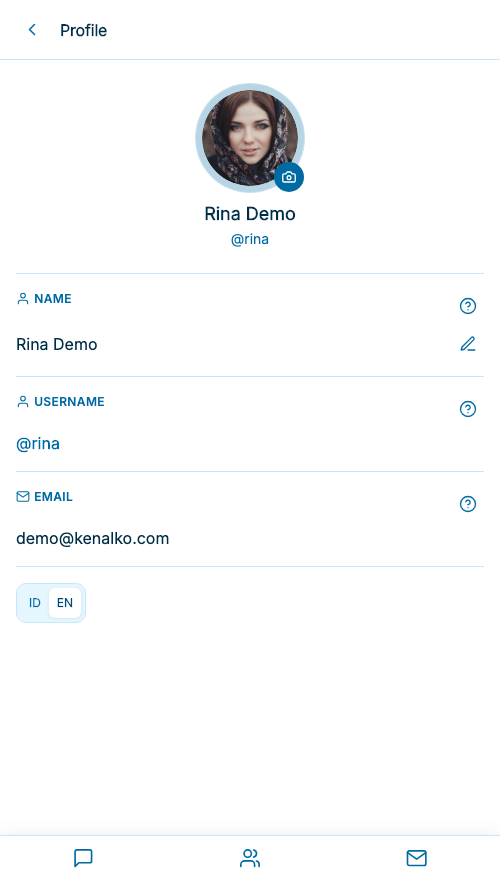
Profile shows the name and username contacts see. OAuth email is listed for registered accounts.
Security
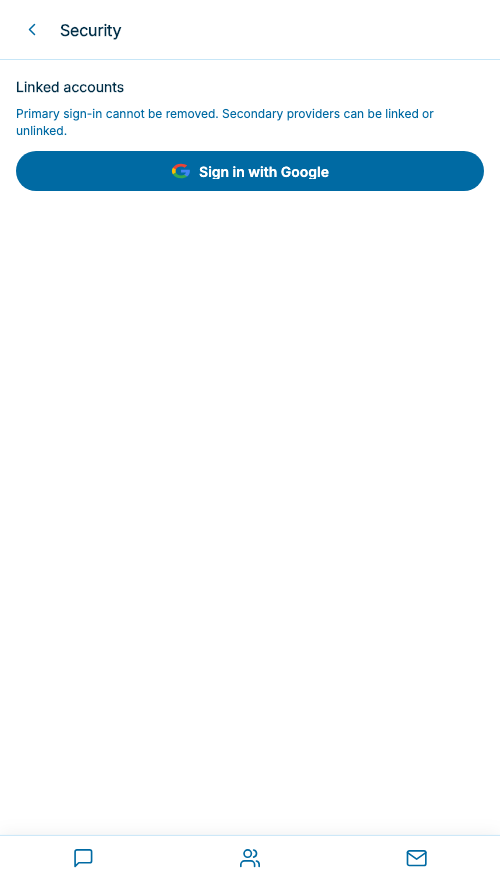
Security lists linked sign-in providers. Do not share your PIN; if your session ends, sign in again with the same provider.
Account
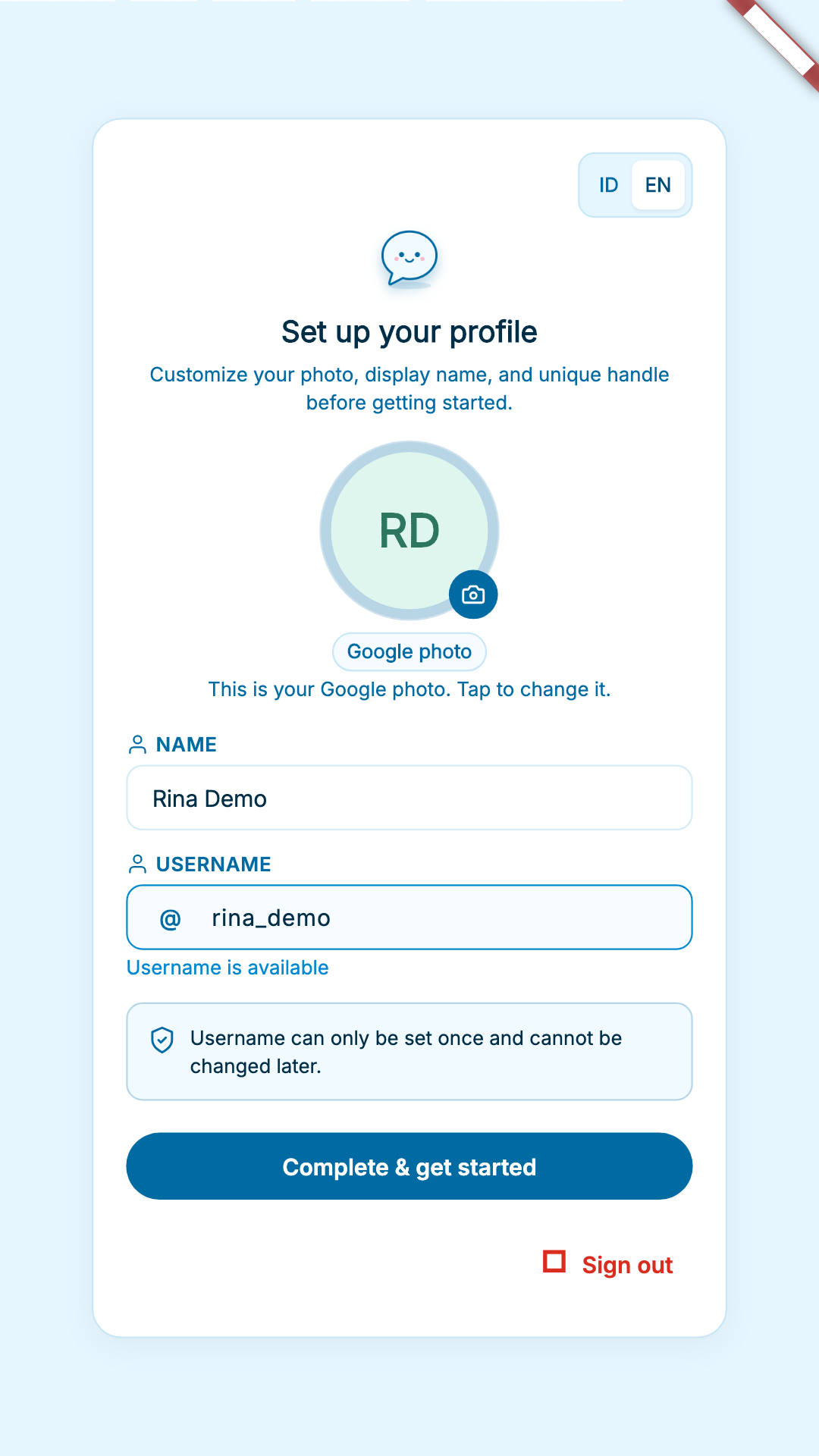
After switching accounts, the chat list reflects the active account. Signing out ends the device session; it does not delete server messages.
The Account section contains account information and actions to sign out or delete your identity according to your account type.
Linked devices
The linked-device list (phone and browsers) is managed in the mobile app; chat web uses the active-tab model for browser sessions. See PIN and linked devices.
Clear local storage
Use Clear local storage to remove message copies and sync data from this device. This does not delete messages from the server or from another person’s device. Kenalko fetches the required data again when you open a room.
Confirm the dialog before continuing. If you sign out or clear browser site data, you need to sign in again.
For more detail about PIN and devices, read PIN and linked devices.