Claim @username
Screen reference — /username (mobile).
1 min read
Username claim (/username) — required onboarding: photo, name, unique @handle.
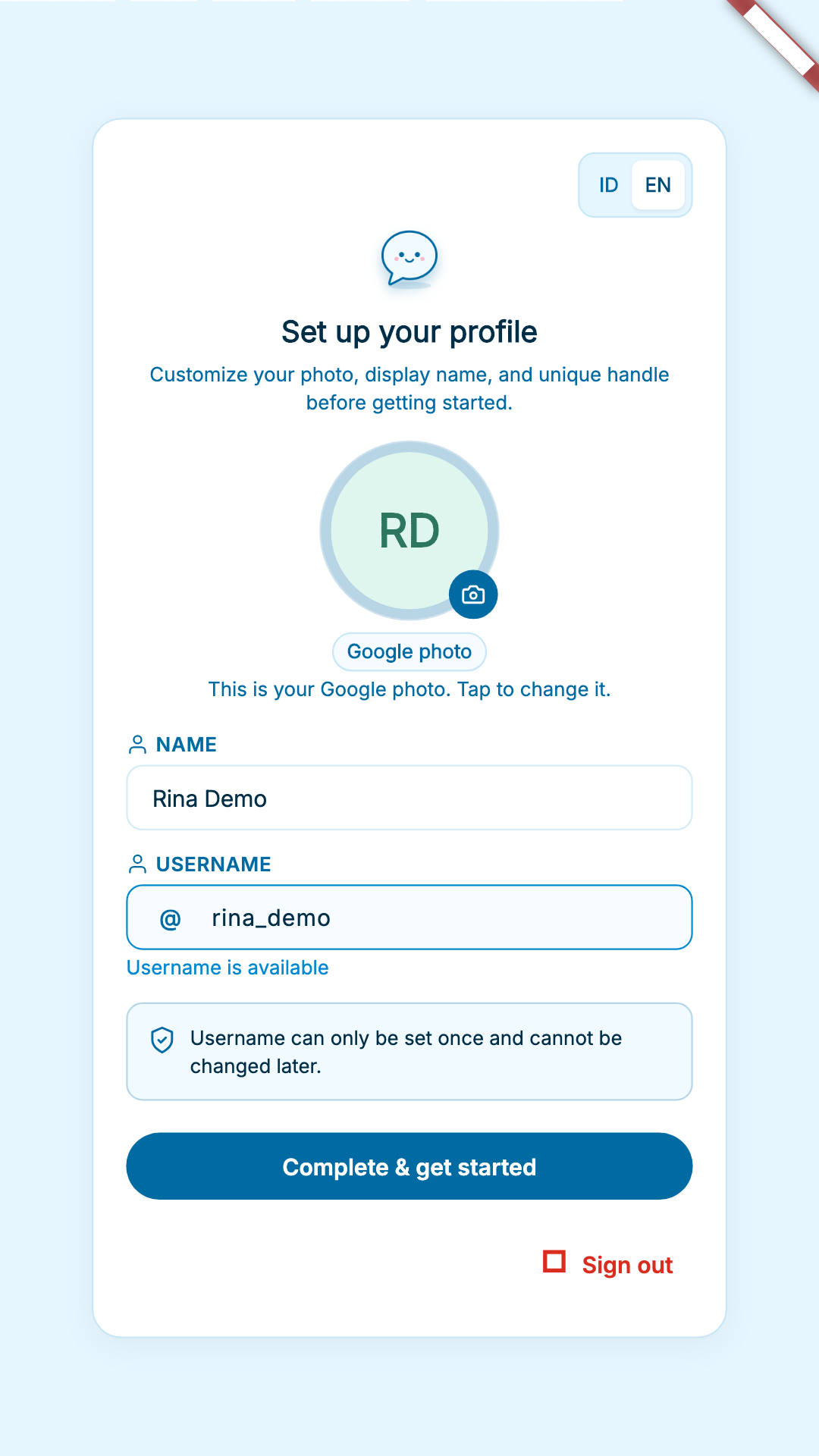
Route /username — demo screenshot (product UI).
About this screen
/username (UsernameClaimScreen) is required for new accounts — the router blocks the shell until the handle is valid.
Form: display name, @username with availability check, optional cropped photo.
Successful submit → /pin (router order avoids username↔pin loops).
Steps
- Fill name and @username until available.
- Optional: profile photo.
- Continue → PIN screen.
Screen areas
Gate
- Router blocks shell until username is set
Form
- Display name
- @username + debounced availability check
Avatar
- Optional
pickAndCropAvatar
Submit
- Continue →
/pin
Index: Pages overview.