Home & sign-in
Screen reference — /home (mobile).
1 min read
Home (/home) — OAuth sign-in; layout parity with web HomePage.
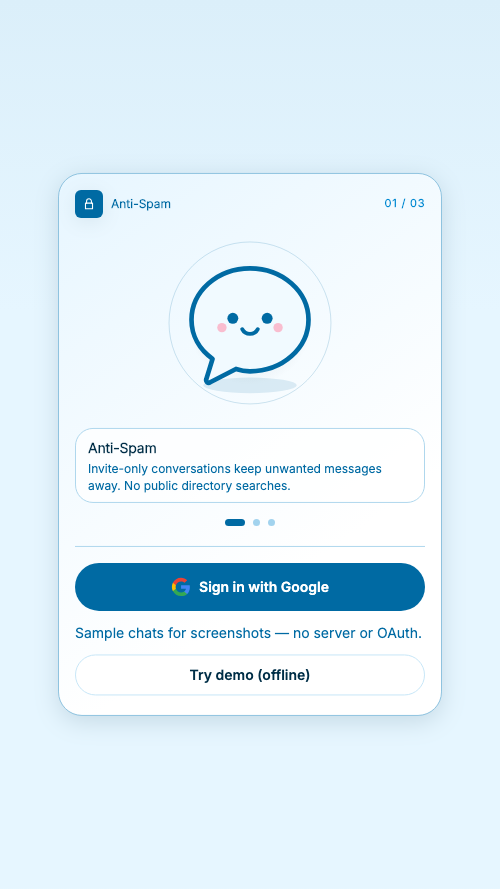
Route /home — demo screenshot (product UI).
About this screen
/home is the OAuth sign-in screen (HomePageScreen) — not the chat list. Layout mirrors web HomePage (hero + OAuth card).
The router sends unauthenticated routes to /home (with redirect when needed) except /invite and /must-update.
After OAuth: /username → /pin → / shell.
Steps
- Open the app → Home.
- Pick Google / Apple / Facebook.
- Complete your @username when prompted (PIN only if MFA is on).
Screen areas
Route
- When
AuthStatus.unauthenticated - Deep links →
/home?redirect=
Hero
- Topic slides + mascot (3 topics)
OAuth
OAuthSignInPanel— Google / Apple / Facebook
After sign-in
- Router →
/username→/pin→/
Index: Pages overview.