Instant reply
Screen reference — /saved-replies (dashboard).
2 min read
Instant reply (/saved-replies) — /title templates + attachments; used in the chat composer (web/mobile).
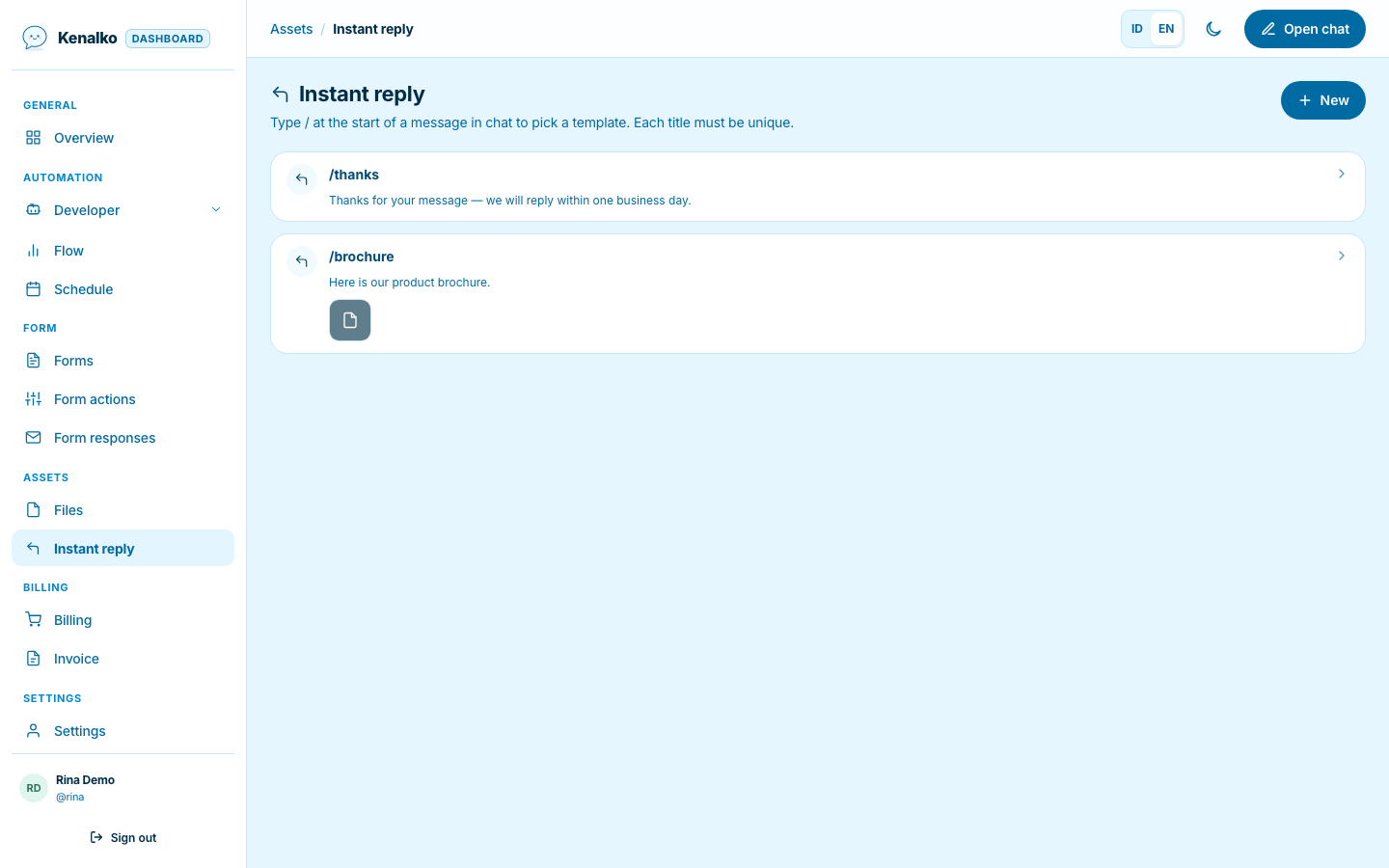
Route /saved-replies — demo screenshot (product UI).
About this screen
Instant reply stores text templates (and optional attachments) you insert in the chat composer by typing / and picking a title.
Slash titles must be unique — the list shows /thanks, /brochure, and so on.
Attachments are uploaded to Files when you save; storage quota applies. Channels do not support instant reply — only personal and group chats.
Steps
- Assets → Instant reply → New.
- Set a title (no spaces — becomes
/title) and message text; optionally upload files. - Save — the template appears in the list.
- In chat web/mobile: type
/in the composer → pick the title → text (and files) fill in.
Note:
- Deleting a template can also remove attachment files from **Files** (checkbox on the delete dialog).
Screen areas
Nav
- Assets → Instant reply
Header
- Slash-command hint subtitle
- New
List
- Row tap → editor:
/title, text snippet SavedReplySavedFileGridattachment thumbnails- Empty → create first template
Editor overlay
- Unique slash title
- Body text + upload new files
- Save / Delete (from editor)
Delete
- Confirm overlay
- Optional checkbox remove files from Files
Index: Pages overview.