Security
Screen reference — /settings/security (mobile).
1 min read
Security (/settings/security) — Linked accounts (one list of OAuth providers), then the MFA section (PIN).
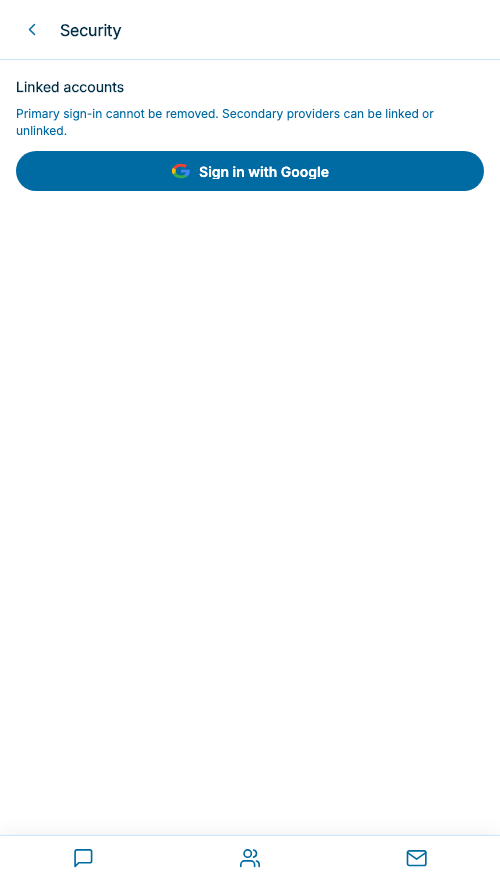
Route /settings/security — demo screenshot (product UI).
About this screen
/settings/security — SecurityScreen: Linked accounts + MFA section (parity with dashboard/web chat Security panel).
MFA PIN is set in the MFA section here; the sign-in PIN check lives at /pin (only when MFA is on). Linked devices live under /settings, not here.
Permanent account deletion: dashboard Settings → delete account.
Steps
- Settings → Security.
- Review providers; link missing ones.
- Unlink secondary providers carefully.
Screen areas
Nav
- Settings → Security
OAuth
- Provider list, primary badge, unlink confirm
Link
- Compact
OAuthSignInPanel
Index: Pages overview.