Groups
Screen reference — /groups (mobile).
1 min read
Groups (/groups) — GroupsScreen panel (shell menu, not bottom nav).
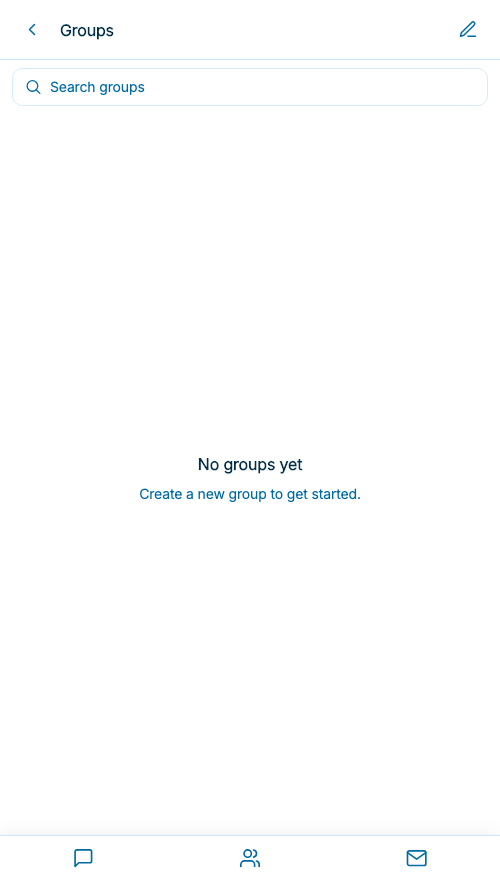
Route /groups — demo screenshot (product UI).
About this screen
/groups — GroupsScreen panel (shell menu only, not bottom nav).
Create, search, load-more; detail for members, invites, owner/admin settings.
Pick a group → navigate to /chat/:id.
Steps
- Menu → Groups.
- Create group or tap a row.
- Manage members from detail when needed.
Screen areas
Nav
- BrandBar menu → Groups
List
- Search, create, load-more
Detail
- Members, invites, settings
- Owner/admin moderation
Chat
- Pick group →
/chat/:id
Index: Pages overview.