Billing — Storage
Screen reference — /billing/storage (dashboard).
1 min read
Storage (/billing/storage) — Files usage + Subscribe GB (prorated) → checkout.
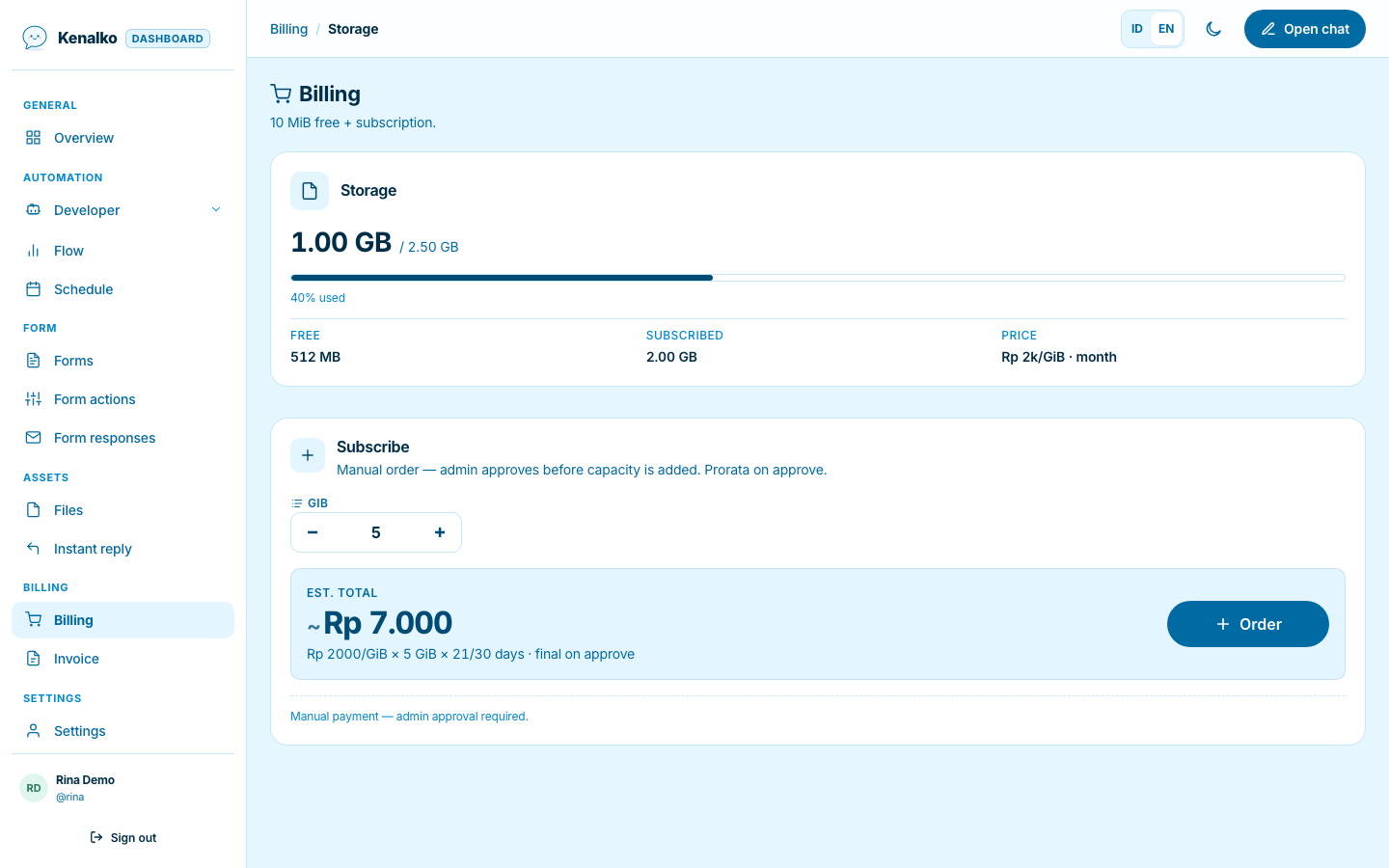
Route /billing/storage — demo screenshot (product UI).
About this screen
Storage measures all bytes in Files plus instant-reply attachments and account uploads.
Subscribe adds GB capacity; prorated IDR uses remaining days in the UTC period.
Monthly renewal invoices appear on Invoice; an alert above the card when one is pending.
Steps
- Billing → Storage — check usage vs capacity.
- To free space: remove files in Files or Subscribe extra GB.
- Submit subscribe → checkout → pay; capacity increases after approved.
Note:
- GB stepper is disabled when you are already at the maximum subscription tier.
Screen areas
Alert
BillingInvoiceAlertwhen a renewal invoice is pending
Quota card
- Used vs capacity meter
- Stats: free tier, subscribed GB, monthly price
Subscribe
- GB stepper (min/max from current subscription)
- Prorated IDR + days-left formula
- Disabled at maximum subscribed capacity
Index: Pages overview.