Billing — API send
Screen reference — /billing/api (dashboard).
1 min read
API send detail (/billing/api) — quota card + top-up form → /order/:id checkout.
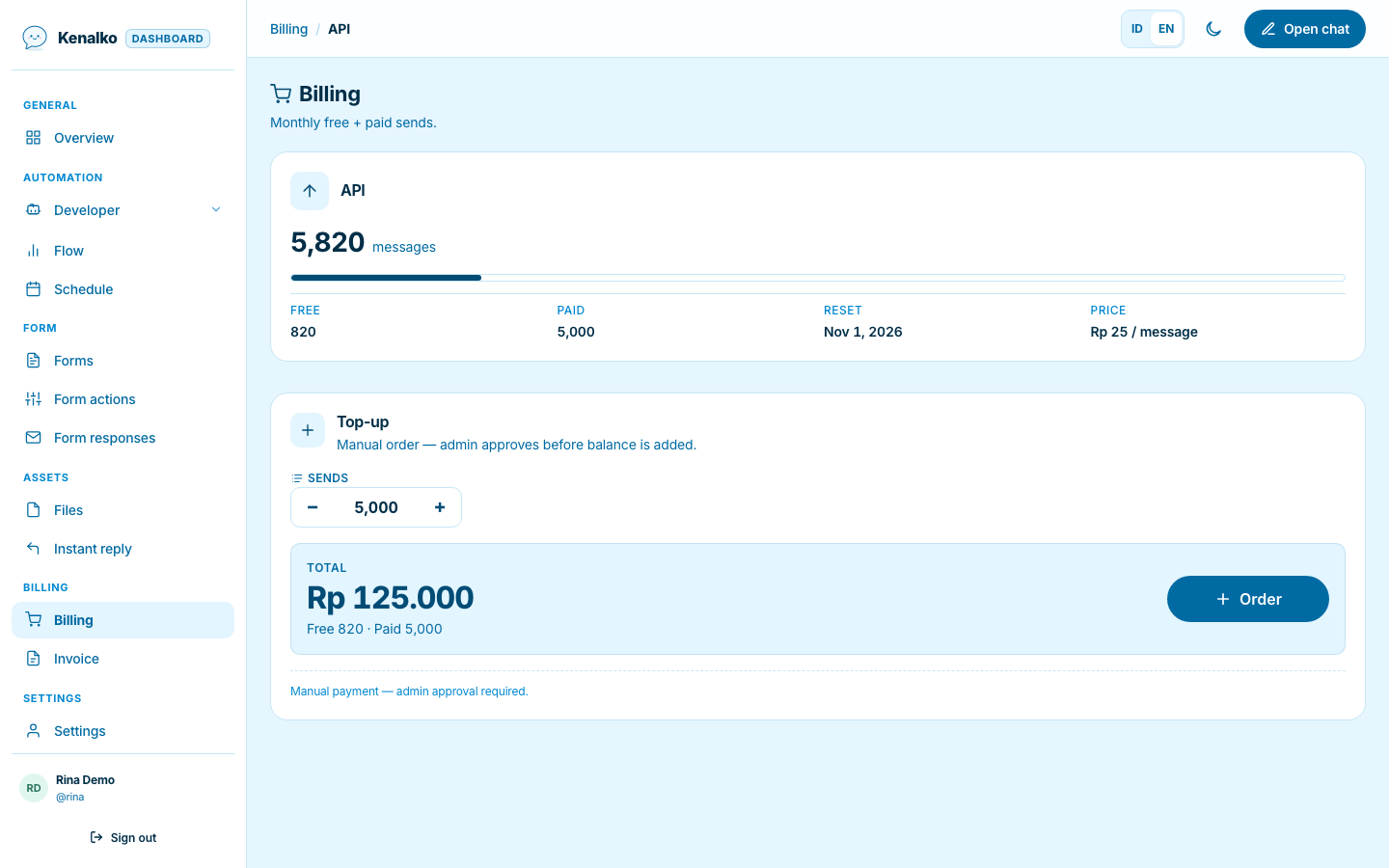
Route /billing/api — demo screenshot (product UI).
About this screen
This page is API send quota: UTC monthly free remainder and paid balance used after free is exhausted.
The card shows the free reset date; Paid stat is unused top-up balance.
Submitting top-up creates a pending order — quota increases after transfer verification (Invoice / checkout).
Steps
- Billing → API send card (or
/billing/api). - Set message quantity on the stepper — watch the IDR total.
- Create order →
/order/:idwith bank details. - Transfer and include the order id; wait for approved status.
Screen areas
Header layout
- API-specific subtitle (shared billing layout)
Quota card
- Total messages left + free monthly meter
- Stats: Free, Paid, Reset (UTC), per-message price
Top-up
- Message quantity stepper (product min/max)
- Live IDR total + balance breakdown
- Submit → pending order → checkout redirect
- Pending-order note links to Invoice
Index: Pages overview.