Common limits
Learn the account, connection, room, device, and invite limits you hit most often.
Kenalko caps invites, room size, and sessions so connections stay manageable. When a limit applies, the app shows an error — read that message before retrying.
The flow
- 1Connections & invites
Personal chat needs an approved connection; max 100 active invites (personal + rooms). Guests only where the invite type allows guests.
- 2Rooms
Groups: max 1,000 members (registered accounts). Channels: only owner/admin send; mute/ban apply to groups.
- 3Sessions & devices
One active chat screen per browser profile; moving the session asks the old screen to follow the new one.
- 4Messages
Edit within 15 minutes after send; temporary chat 1 h / 24 h / 7 d; search uses on-device cache.
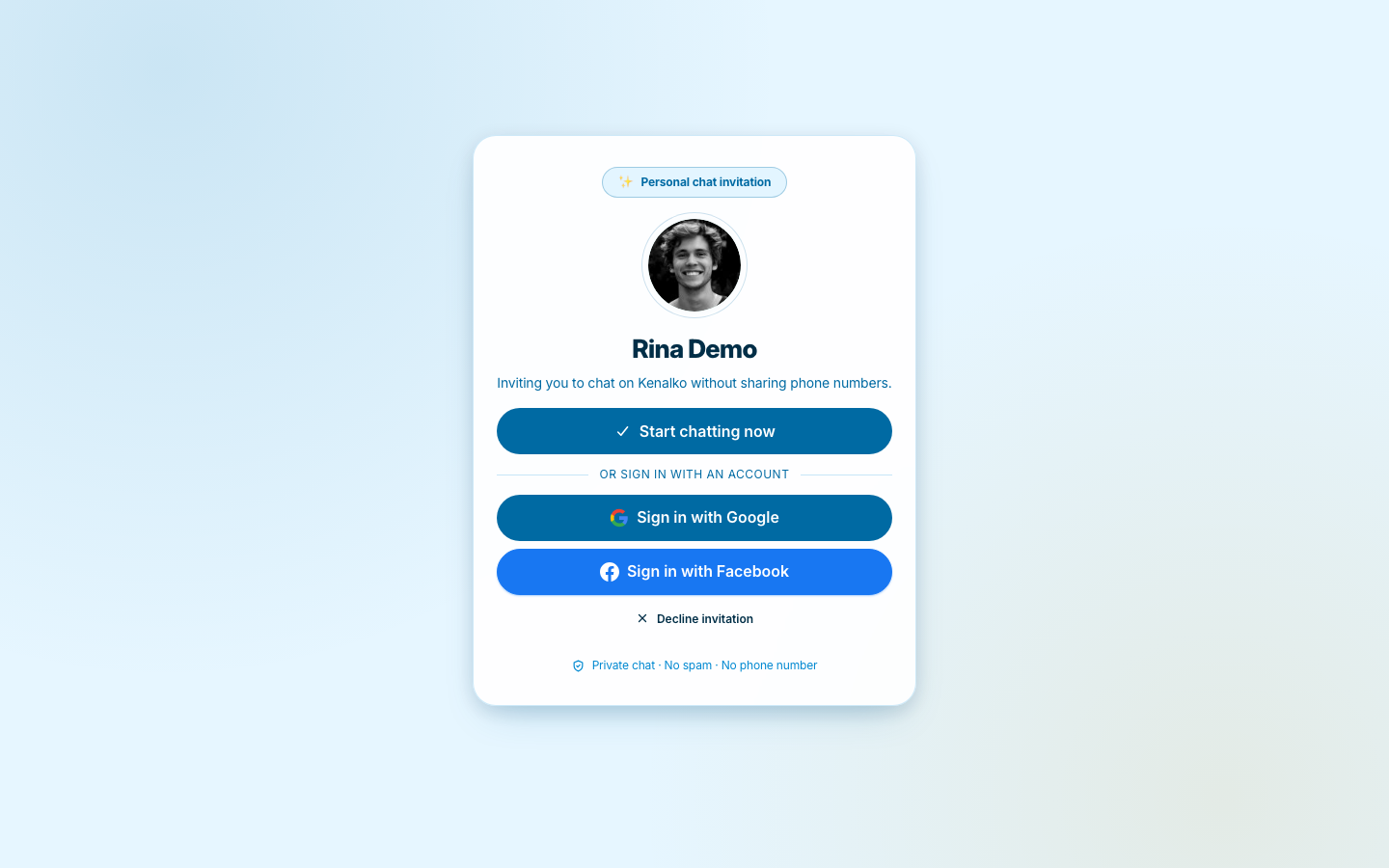
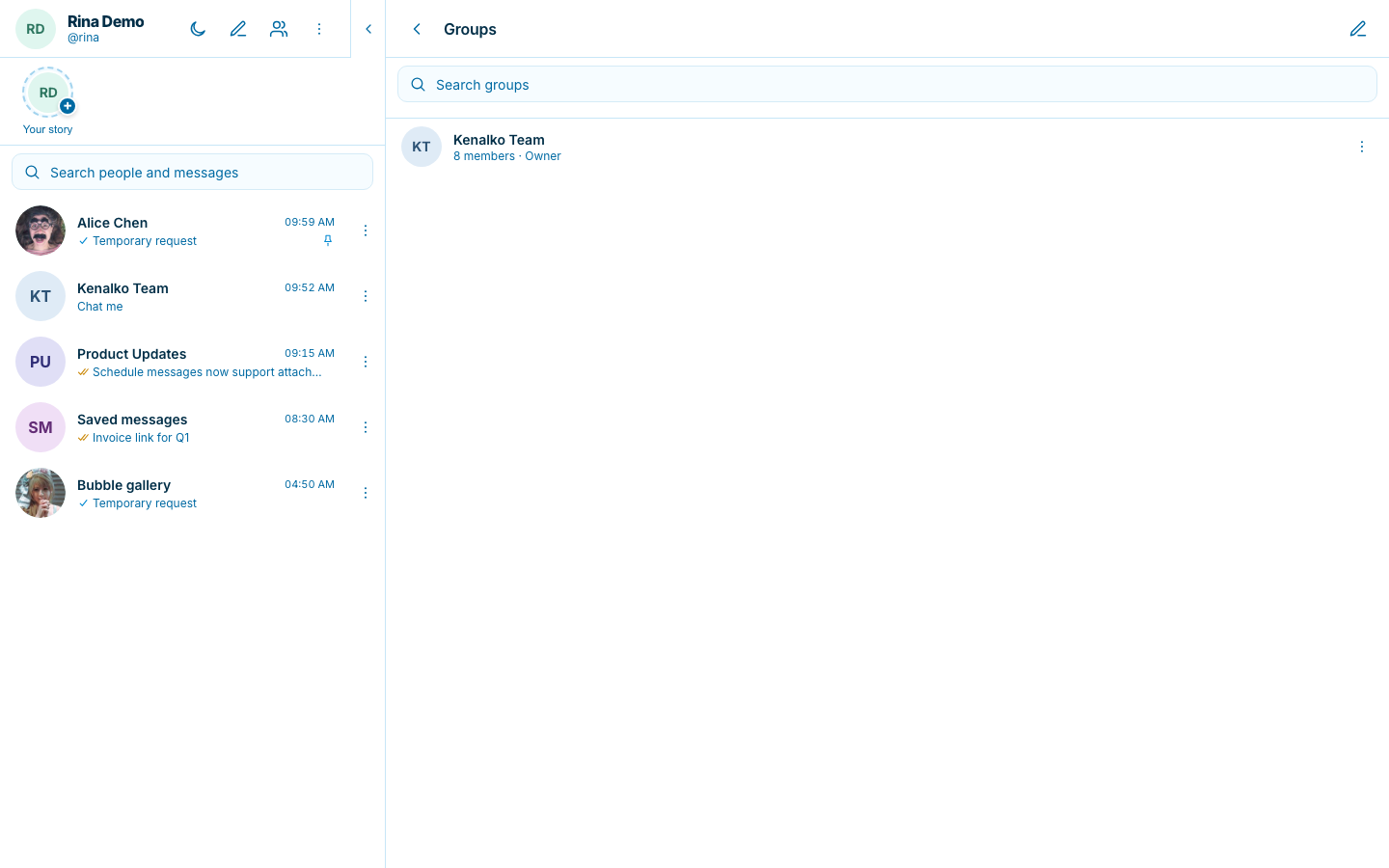
Left: invites with expiry and guest rules. Right: groups panel — create a new room from here.
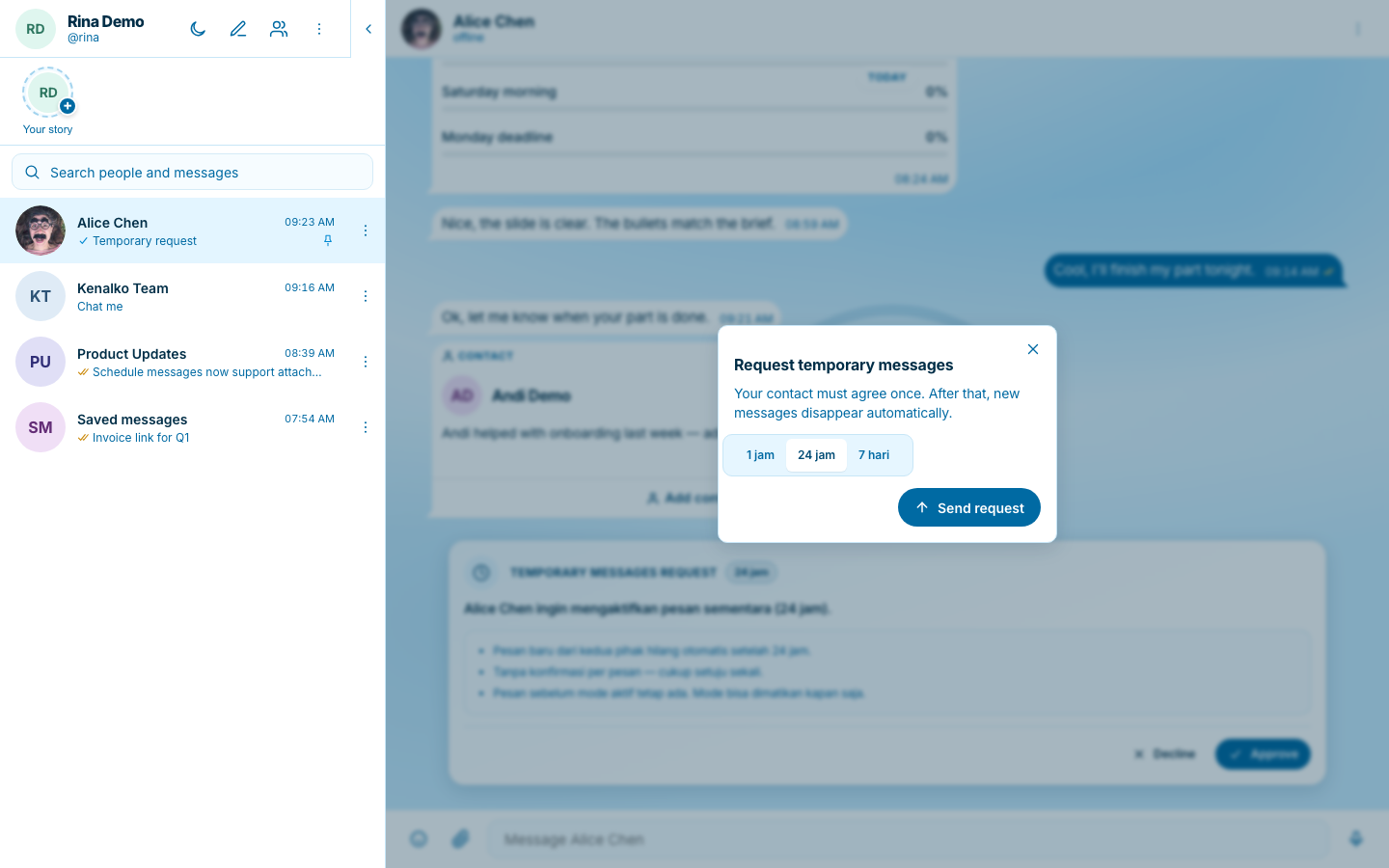
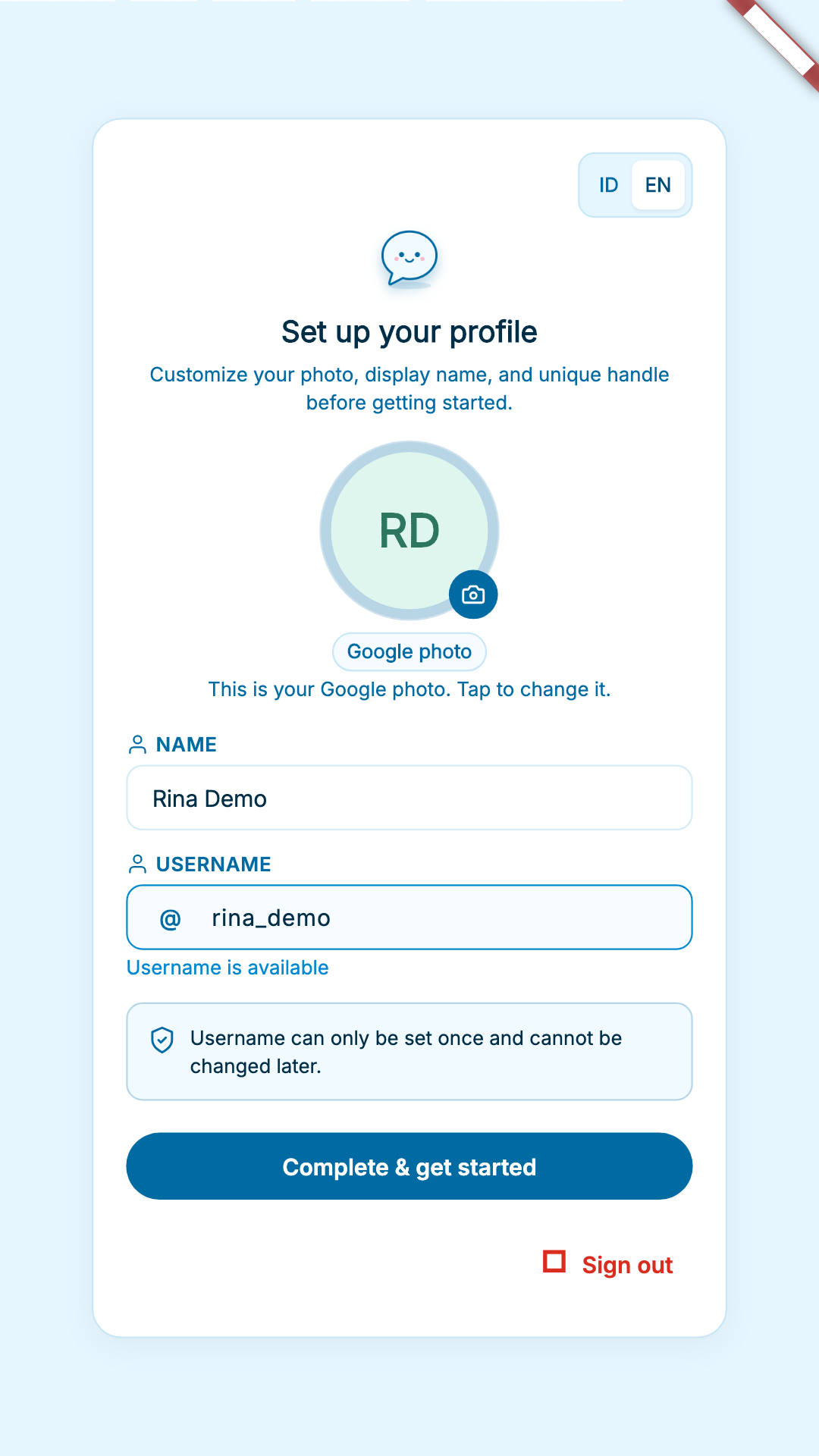
Left: temporary chat duration limits. Right: multiple saved profiles — still one active chat session per browser profile.