Files
Send files from the composer, understand 7-day retention, and save attachments to the dashbor.
Chat files stay on the server for 7 days unless you save them. Send from the composer, then move what matters to File on the dashbor — see File manager.
The flow
- 1Attach
Composer → Attach → Photos & videos or Documents.
- 2Compose sheet
Review thumbnails, file count, total size, caption; enable View once when needed.
- 3Send
One file = one message; multiple photos/videos can become one album. Caption applies to the last file in a batch.
- 4Retention
Server copy lasts 7 days if unsaved. After expiry, request a resend or save before it expires.
- 5Save
Save on the bubble → stored under File on the dashbor until you delete it.
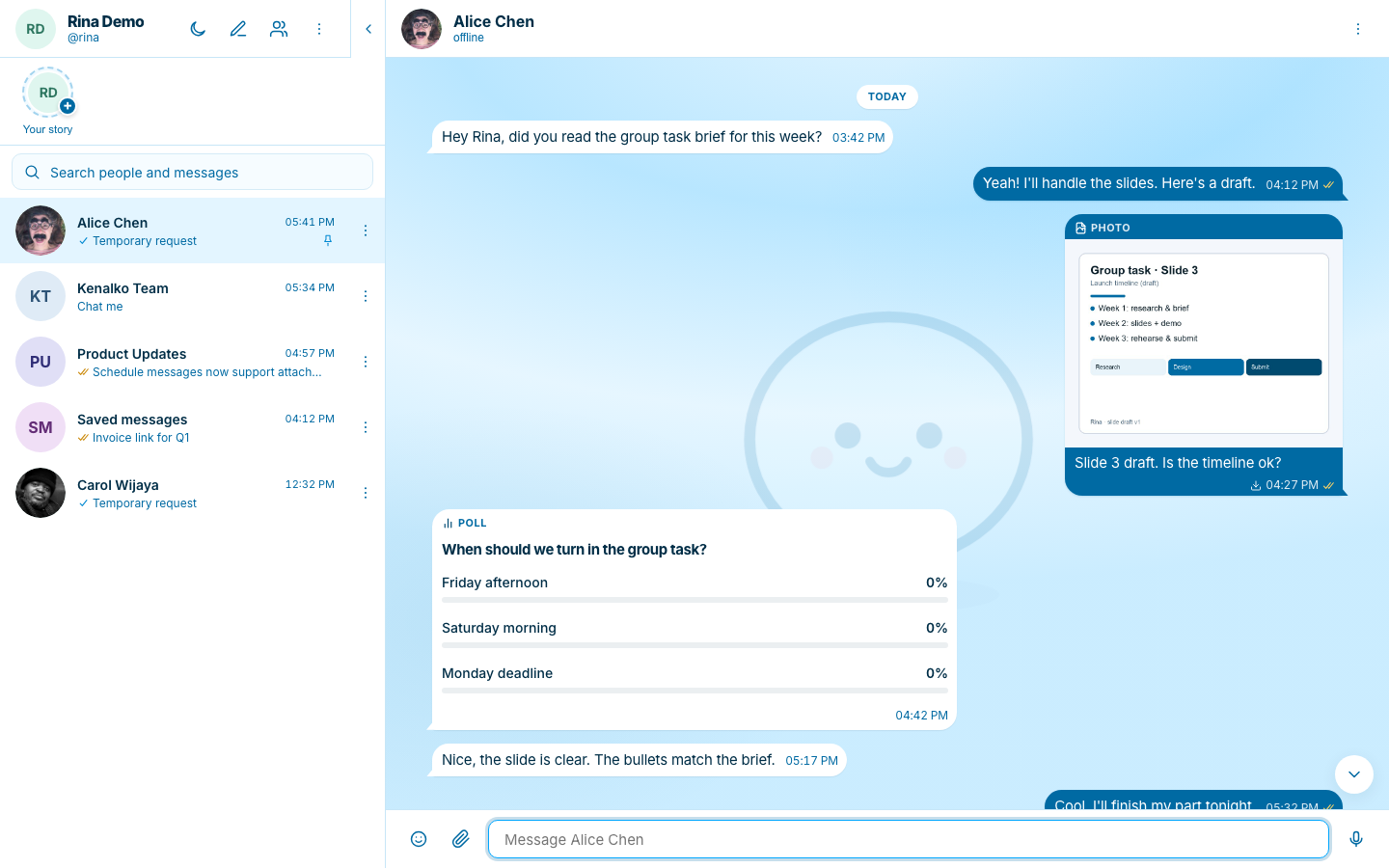
Image, video, or document bubbles in the thread — caption under the preview. Pinning can keep availability while the pin is active.
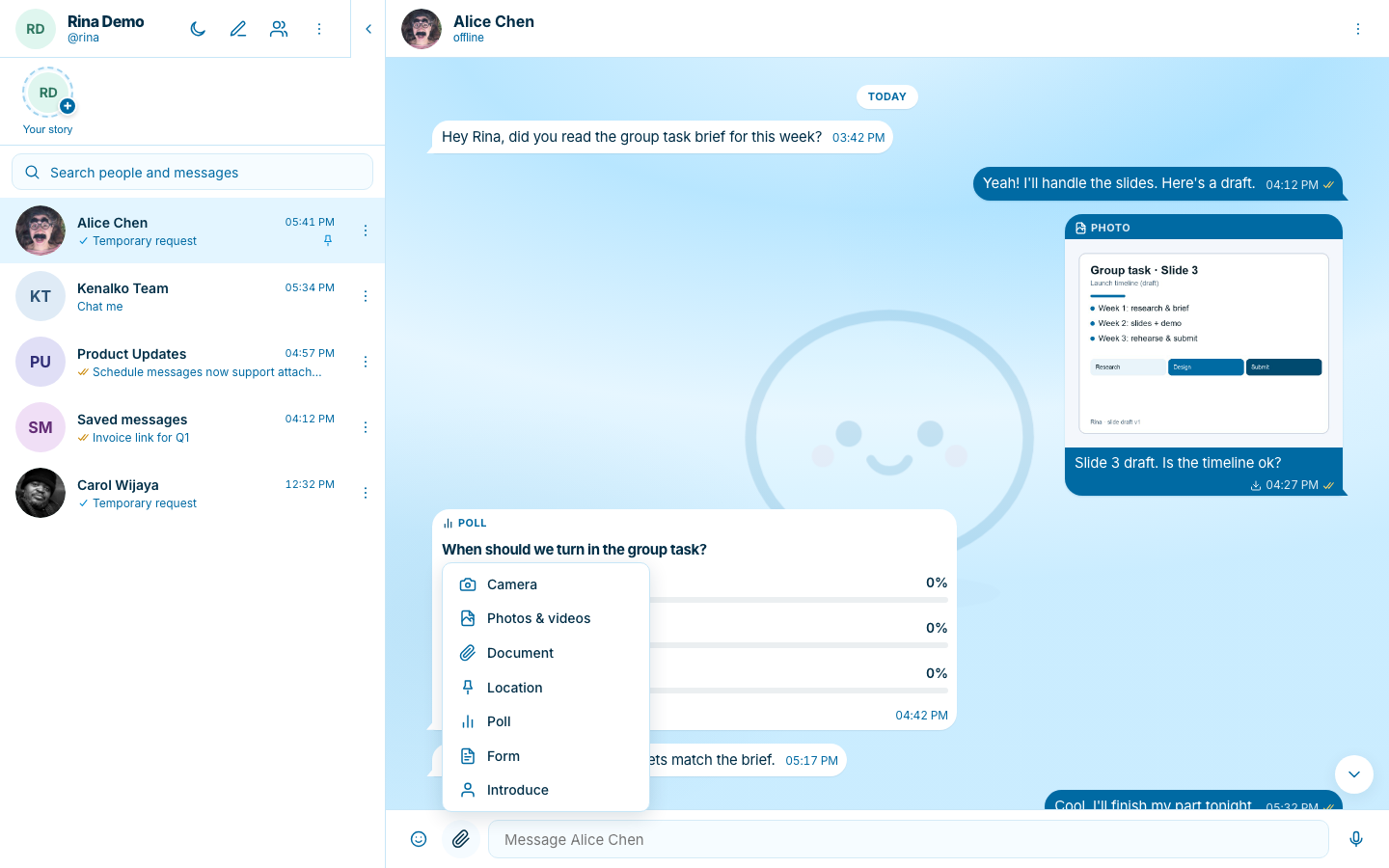
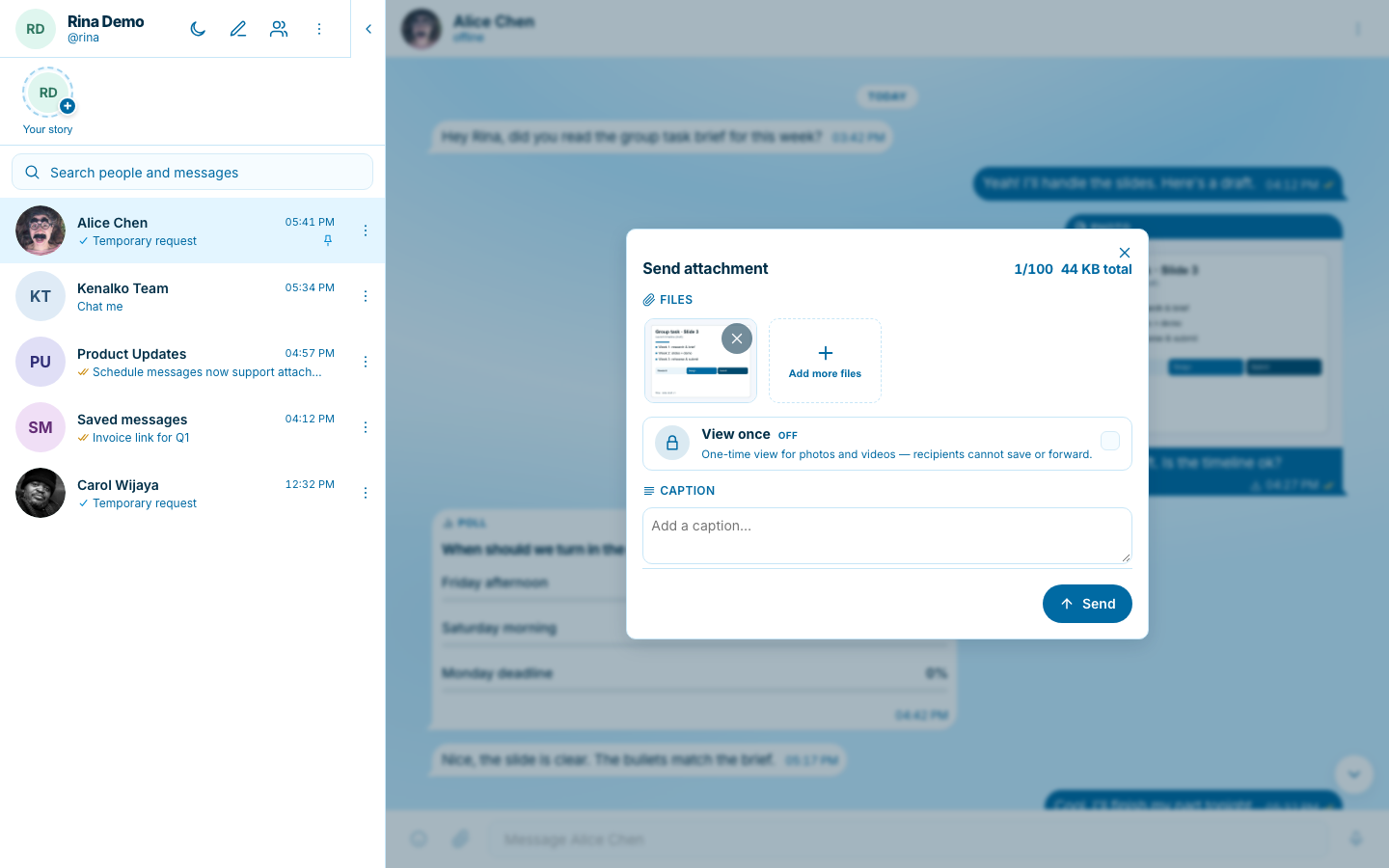
Left: Attach menu. Right: sheet before Send — multi-file batches show as a thumbnail stack.
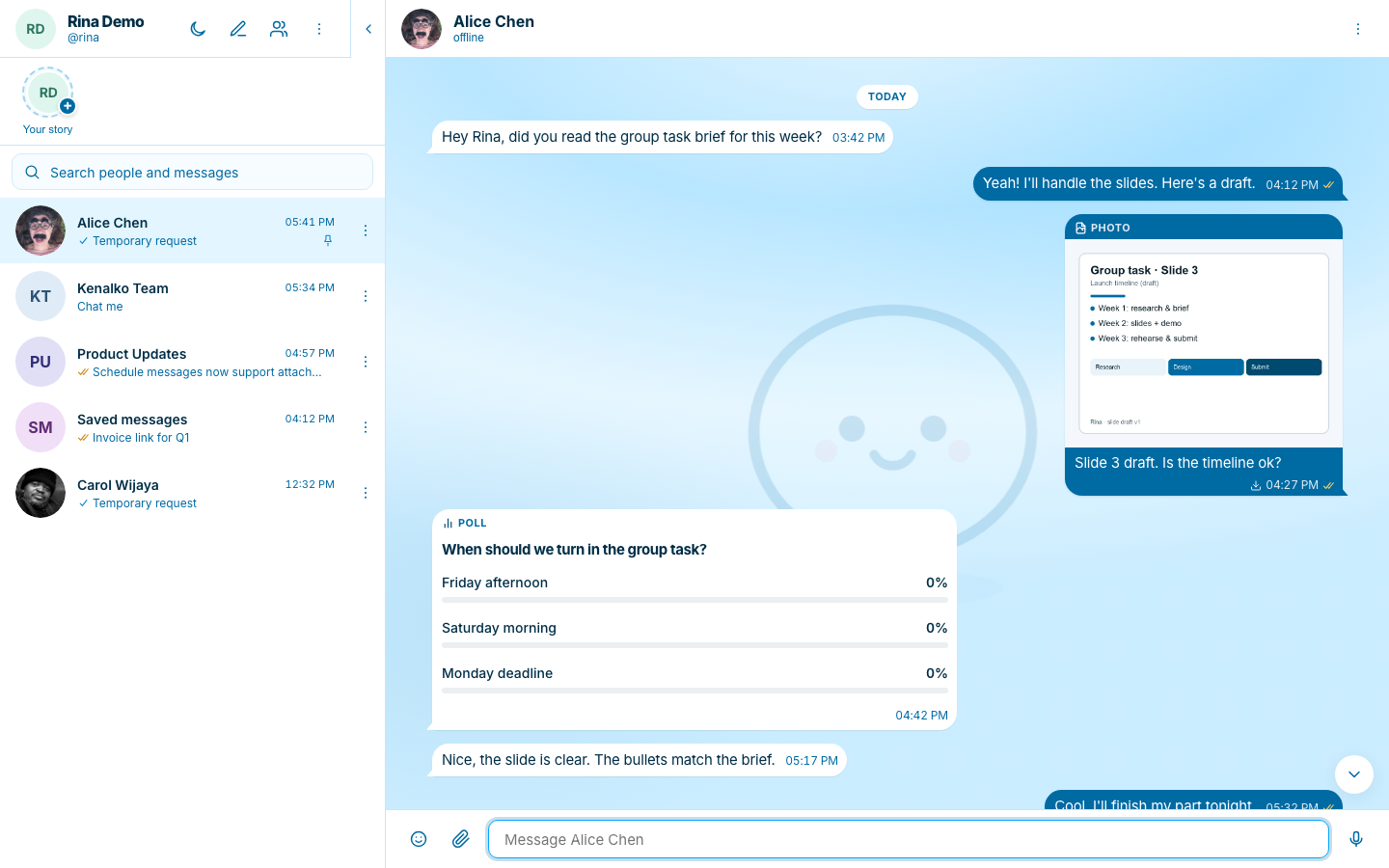
Save adds a permanent copy on the dashbor. View once files cannot be saved or forwarded.
Retention (short)
Scheduled attachments follow schedule rules, not normal chat retention.
Removing your saved copy does not remove copies still saved by other users.
Quotas and billing: File limits and retention · Billing.