Contacts
Screen reference — /contacts (web).
1 min read
Contacts panel (/contacts) — ContactsPanel overlay, contacts view (not /requests).
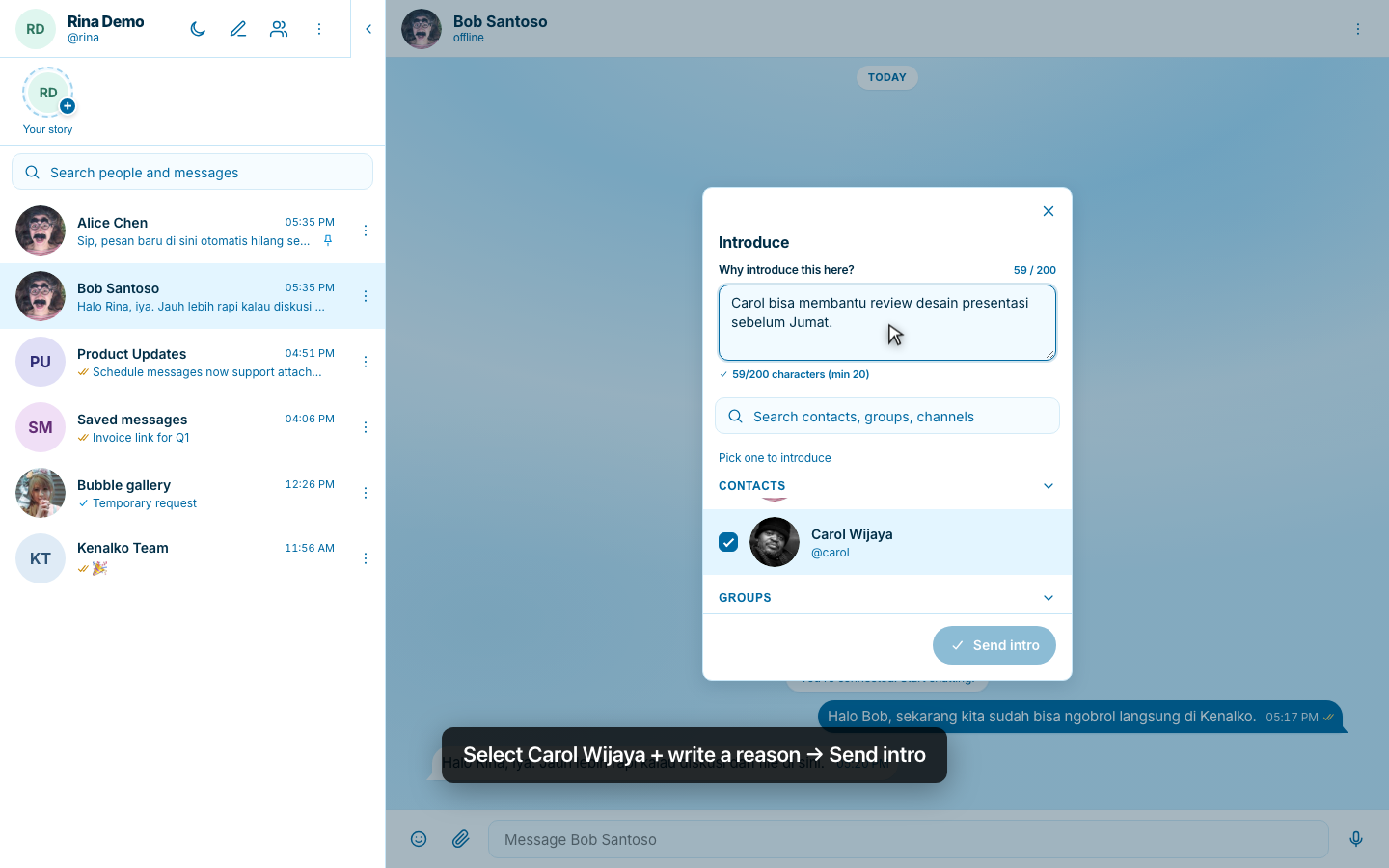
Route /contacts — demo screenshot (product UI).
About this screen
ContactsPanel at /contacts — active or blocked connections, not pending requests.
Requests live at /requests (separate doc); on mobile the same flow is a Contacts sub-view.
Contact detail offers chat, block, report, temporary chat, and clear (per role/status).
Steps
- Menu → Contacts (or open
/contacts). - Search by name; filter Active / Blocked.
- Tap a contact → Open chat or manage from detail.
Screen areas
Nav
- Sidebar menu → Contacts
- Or URL
/contacts
Panel header
- Back → close panel (
/)
Toolbar
SearchBar- Active / Blocked filter chips
List
- Avatar + name rows
- Tap → contact detail
- Detail: chat, block, report, temporary chat, clear
Load-more
- Connection pagination
Index: Pages overview.