Channels
Screen reference — /channels (web).
1 min read
Channels panel (/channels) — follow, read; owners open admin detail.
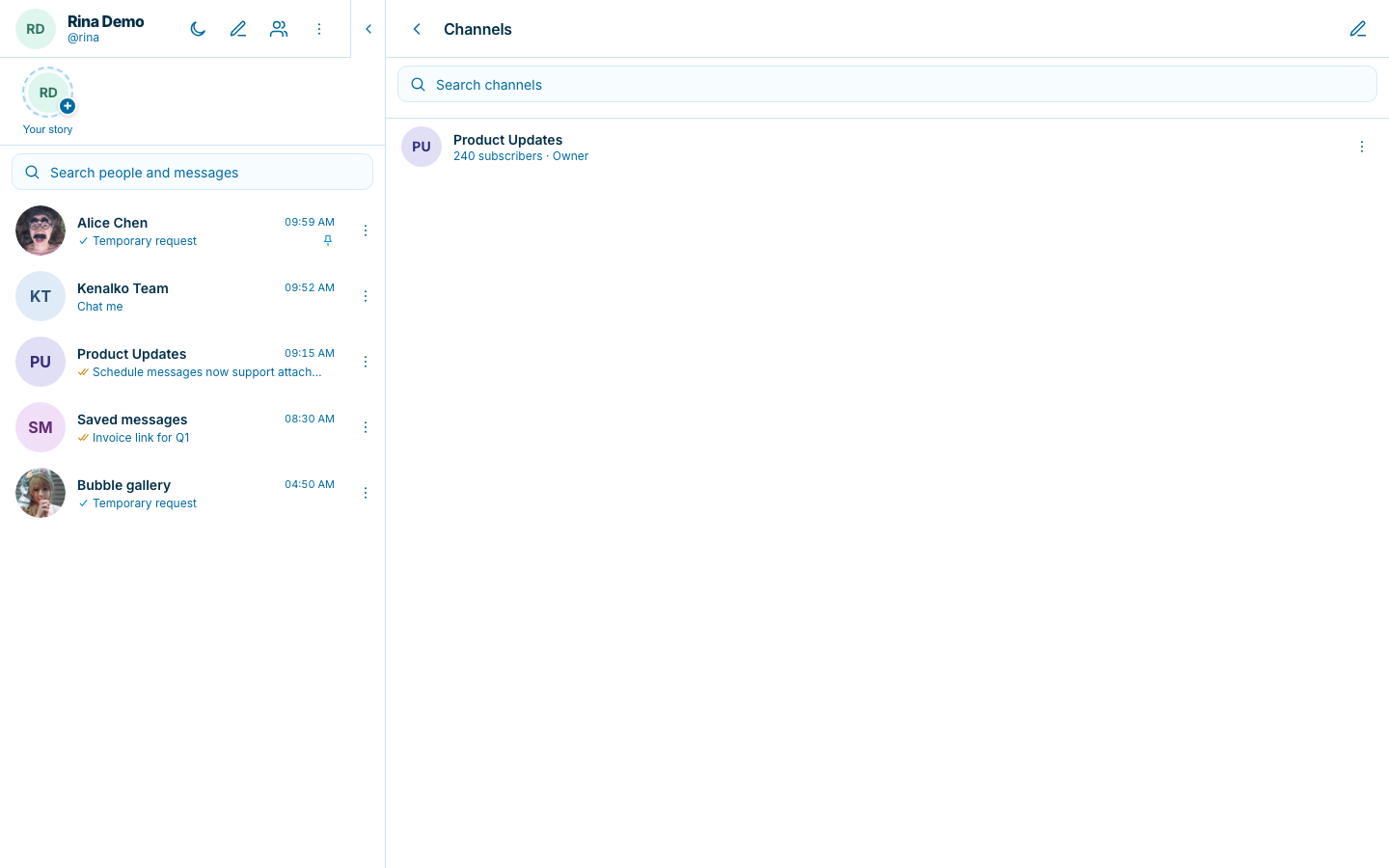
Route /channels — demo screenshot (product UI).
About this screen
Channels are broadcast: subscribers read-only; owner/admin post in the thread.
Subscribers: tap → thread. Owners: detail/admin flow first.
Instant reply / is not available in channels.
Steps
- Menu → Channels.
- Follow/open from the list.
- Owners: manage admins & invites from the detail panel.
Screen areas
Nav
- Menu → Channels
List
- Subscriber tap → thread
- Owner row → channel detail
Detail
- Channel info, admin list
- Invite subscribers, rename, transfer (owner)
- Leave channel from thread menu
Index: Pages overview.