API keys
Screen reference — /developer (dashboard).
2 min read
API keys (/developer) — create HTTP keys, copy secret once, Try docs playground, revoke keys.
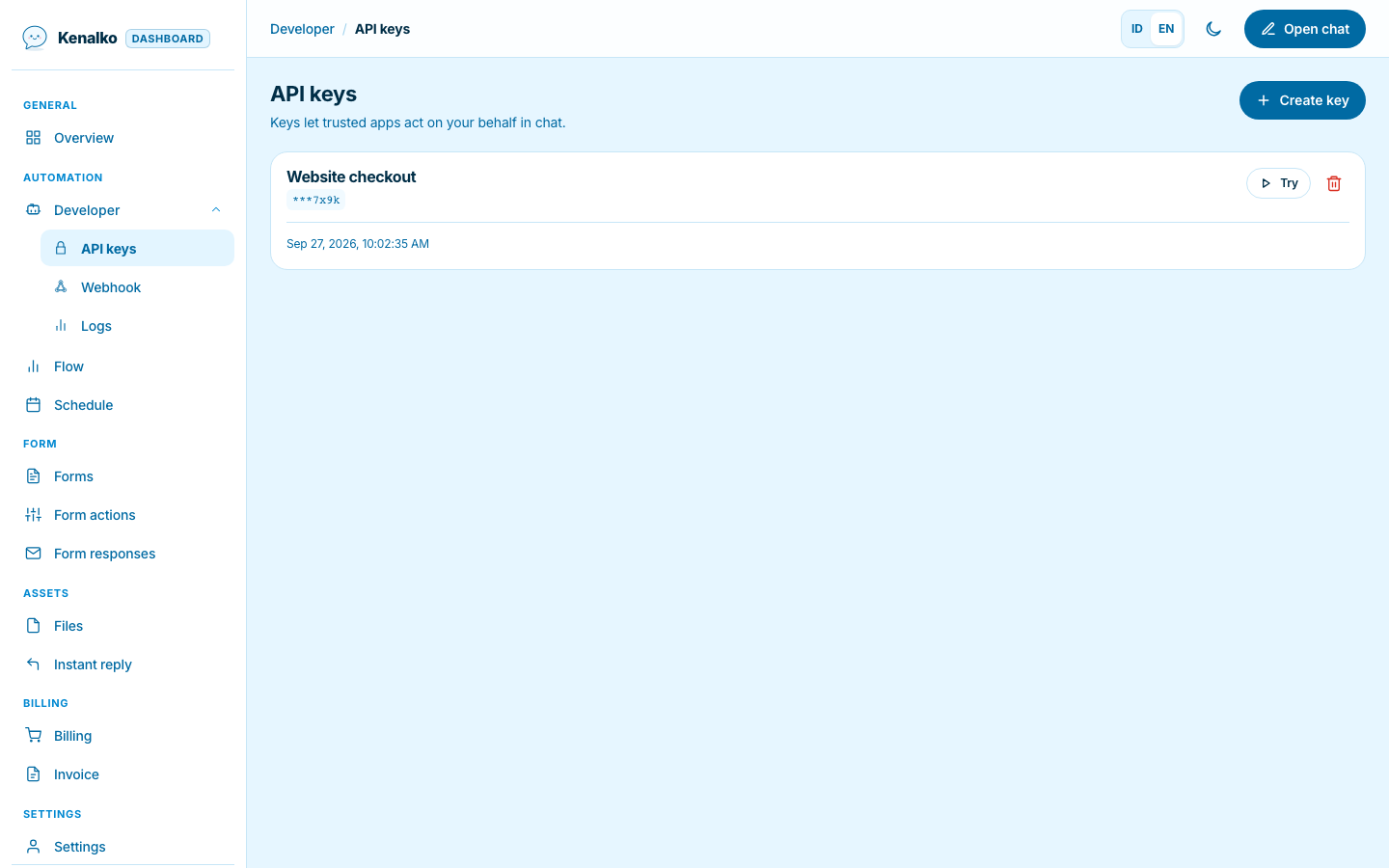
Route /developer — demo screenshot (product UI).
About this screen
/developer (sidebar API keys) issues keys for Authorization: Bearer … on Kenalko’s HTTP API.
Each key has a label and masked prefix; the full secret appears only at create (copy dialog). The browser remembers the secret for Try playground until you close the tab.
Revoke permanently disables a key — requests with it are rejected immediately.
Steps
- Sidebar Developer → API keys.
- Tap Create key, enter a label, confirm.
- Copy the secret from the dialog — store in a password manager.
- Optional: Try opens the docs playground with the session secret.
- If leaked: Revoke the old key and create a new one.
Screen areas
Nav
- Sidebar Developer → API keys (active)
- Siblings: Webhook, Logs
Header
- Title + hint
- Create key (primary)
Key card
- Label + masked token
- Try (playground — needs session secret)
- Revoke icon (confirm)
- Created date
Create overlay
- Label field
- Confirm → one-time secret dialog + copy
Empty / load more
- Empty state + hint
- Load more when
has_more
Index: Pages overview.