AI tokens
Token balance for @ai in chat, usage, and dashbor top-up.
The flow
- 1AI allowance (App Studio)
Set an IDR usage allowance from your available wallet balance. Each model call in App Studio deducts the actual model cost and advances the used / allowance bar.
- 2Chat @ai token balance
For @ai in chat bubbles, new accounts get a free token balance (default 1 million weighted tokens).
- 3Set usage allowance
Billing → AI usage allowance card → AI page → save your App Studio IDR allowance (locks available balance). Chat @ai token packs return to the dashboard when @ai is re-enabled.
- 4Audit
Optional: Developer → Logs → AI filter for per-request usage.
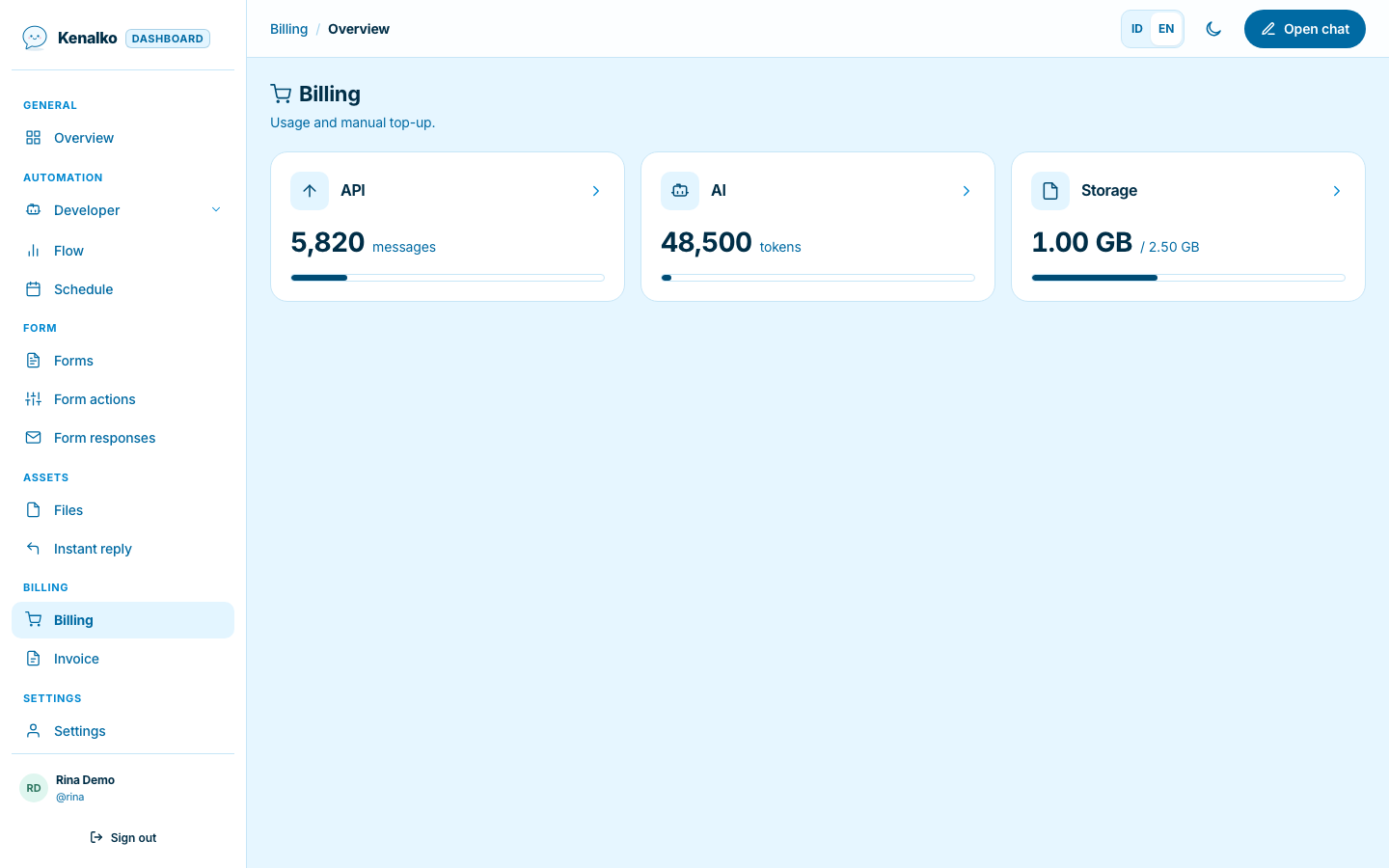
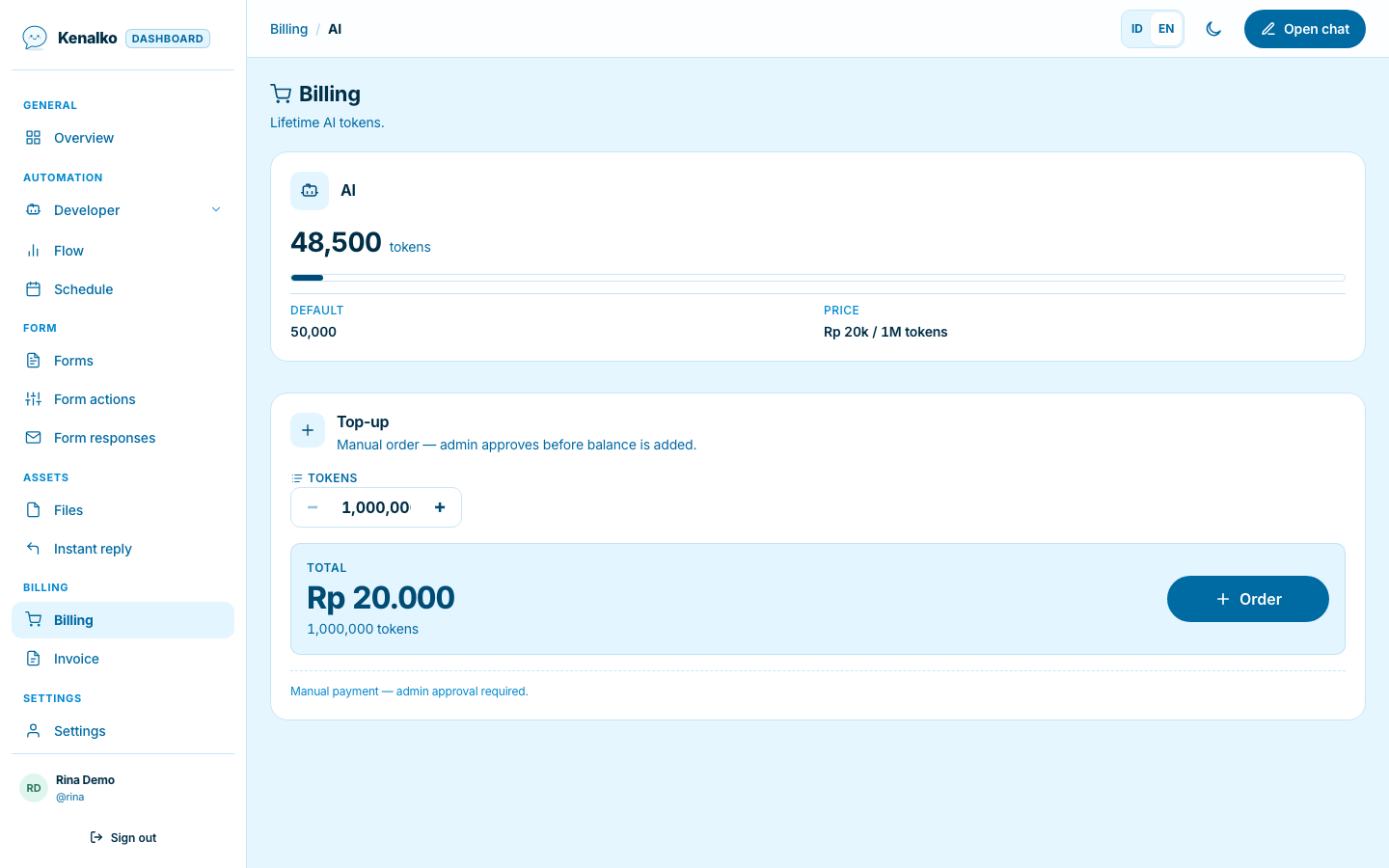
Left: AI usage allowance on overview (used / cap in IDR). Right: AI page — set allowance and see remaining budget.
Do not paste secrets into prompts if you do not want that data processed as part of the request.