Profil
Referensi layar — /profile (web).
1 min read
Panel Profil (/profile) — edit nama, avatar, @username; tamu bisa hapus profil tamu.
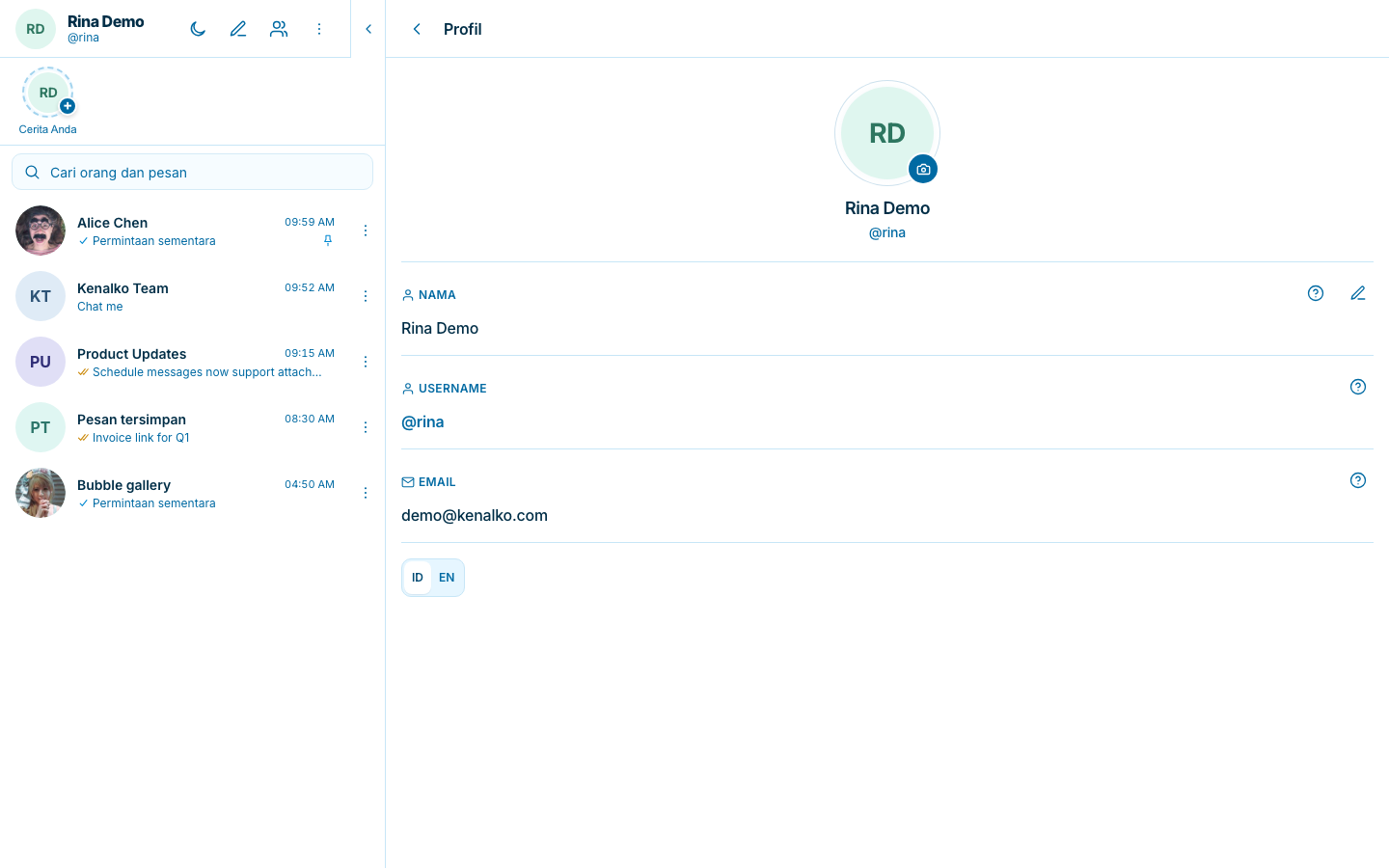
Route /profile — screenshot demo (UI produk).
Penjelasan layar
/profile — edit nama tampilan dan foto yang terlihat di chat; @username ditampilkan (klaim awal via UsernameClaim).
Dashboard Settings → Profil hanya preview — sumber edit utama di sini (web) atau mobile Profil.
Mode tamu menawarkan hapus profil tamu dari panel ini.
Langkah
- Pengaturan → Profil.
- Tap avatar → unggah/crop → Simpan.
- Edit nama tampilan inline bila perlu.
Bagian layar
Nav
- Pengaturan → Profil
Header
- Back → settings atau chat
Kartu
- Avatar → crop/upload (
AvatarCropDialog) - Nama tampilan (edit inline)
- @username + email (info)
Tamu
- Mode
guest— hapus data tamu
Simpan
- Simpan persists ke server
Indeks: Ringkasan Pages.